Install Mentorkit LMS WordPress Plugin
Download the plugin
Download the plugin from this link: https://mentorkit.com/mentorkit-lms-wp-plugin
Note where the file is saved.
Install the plugin
Go to your WordPress website admin dahsboard (https://example.com/wp-admin).
Go to plugins -> Add Plugin.
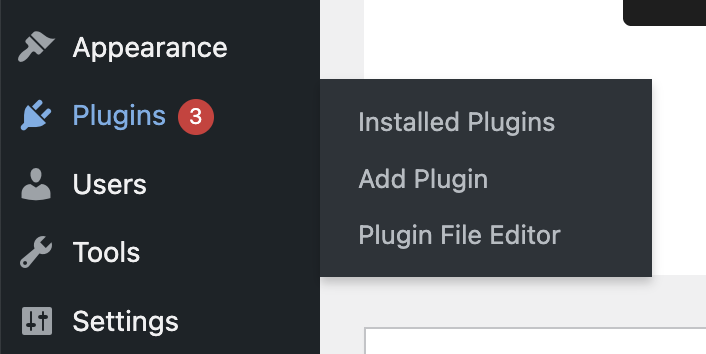
Click on 'Upload plugin' button.

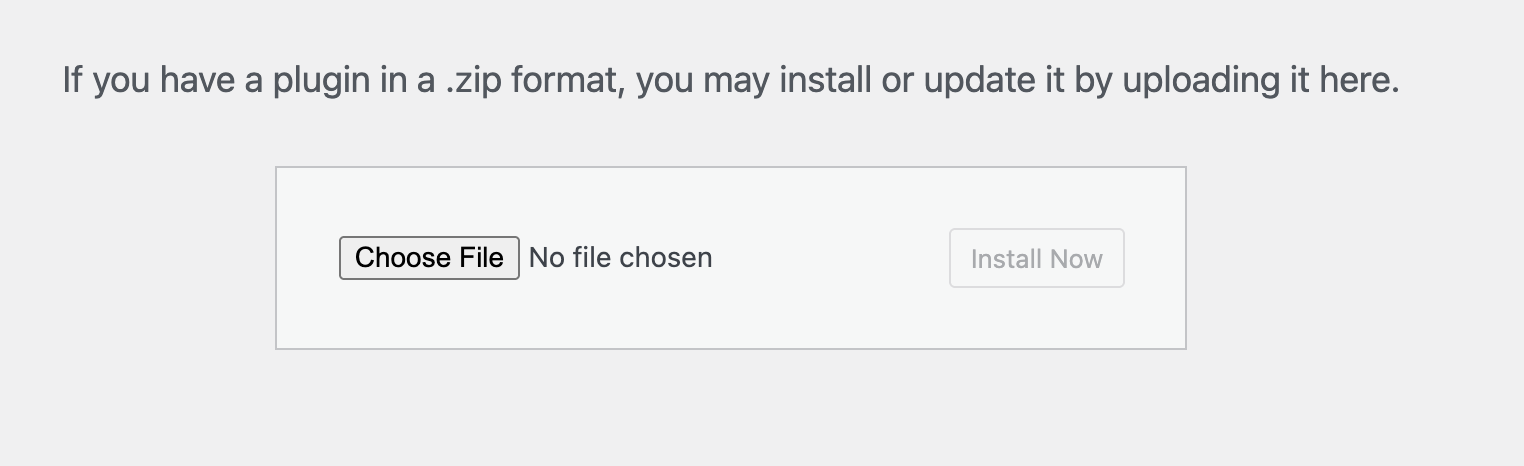
Click on 'Choose file', select the file downlaoded at the earlier step, then click on the 'Install now' button.
After a successful installation you should see this screen:
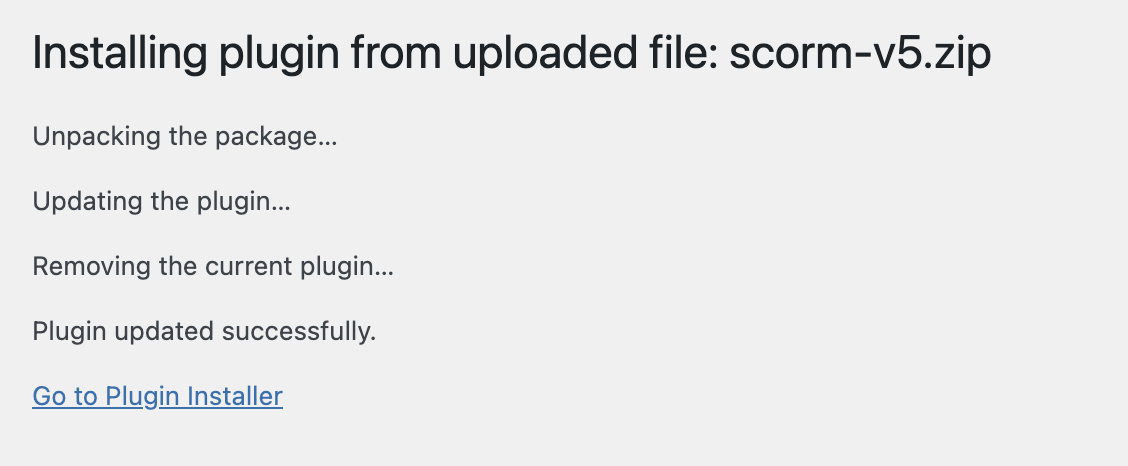
Congratulations! You have installed the plugin.