Page-Level Completion
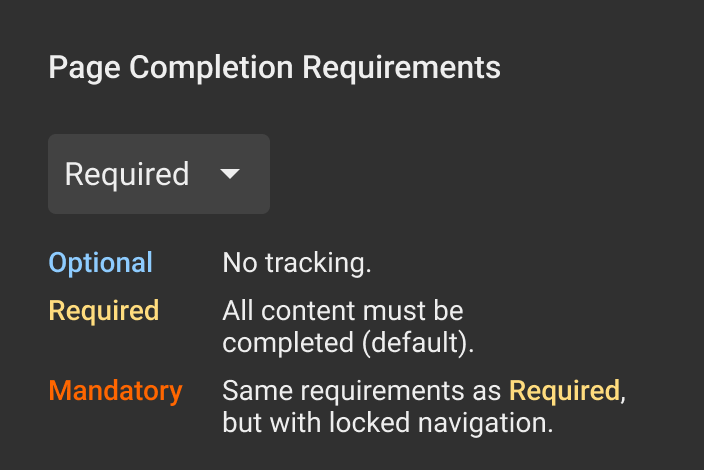
Each page can be set to one of the following completion modes. These determine how completion is tracked and how learners can navigate.
- Optional → not tracked
- Required → tracked, but navigation is free
- Mandatory → tracked and navigation is locked
Optional
The page is not included in completion tracking.
- Content is not required (audio, video or exercises)
- Learner interaction with page content is not tracked
- Learners can move freely between pages
- The page is marked as complete when opened
Optional pages are typically used for reference or additional content.
Required
The page must be completed to be counted as done.
- All tracked content must be completed (audio, video, exercises, interactions)
- Learners can move freely between pages
- The page remains incomplete until all required content is completed
Required pages ensure that learners engage with all critical content without enforcing a strict navigation sequence.
Mandatory
The page must be completed before the learner can continue.
- All tracked content must be completed
- Navigation to the next page is locked
- Learners cannot proceed until the page is completed
Mandatory pages enforce a linear progression through the course and are commonly used for compliance training, key learning objectives, or critical assessments.
Page Overview Visuals
The current completion settings for each page is visualized with colours on the right side of the page bar.

For details about course-wide completion rules, see Course level completion.