Relationship between school, class, user and course
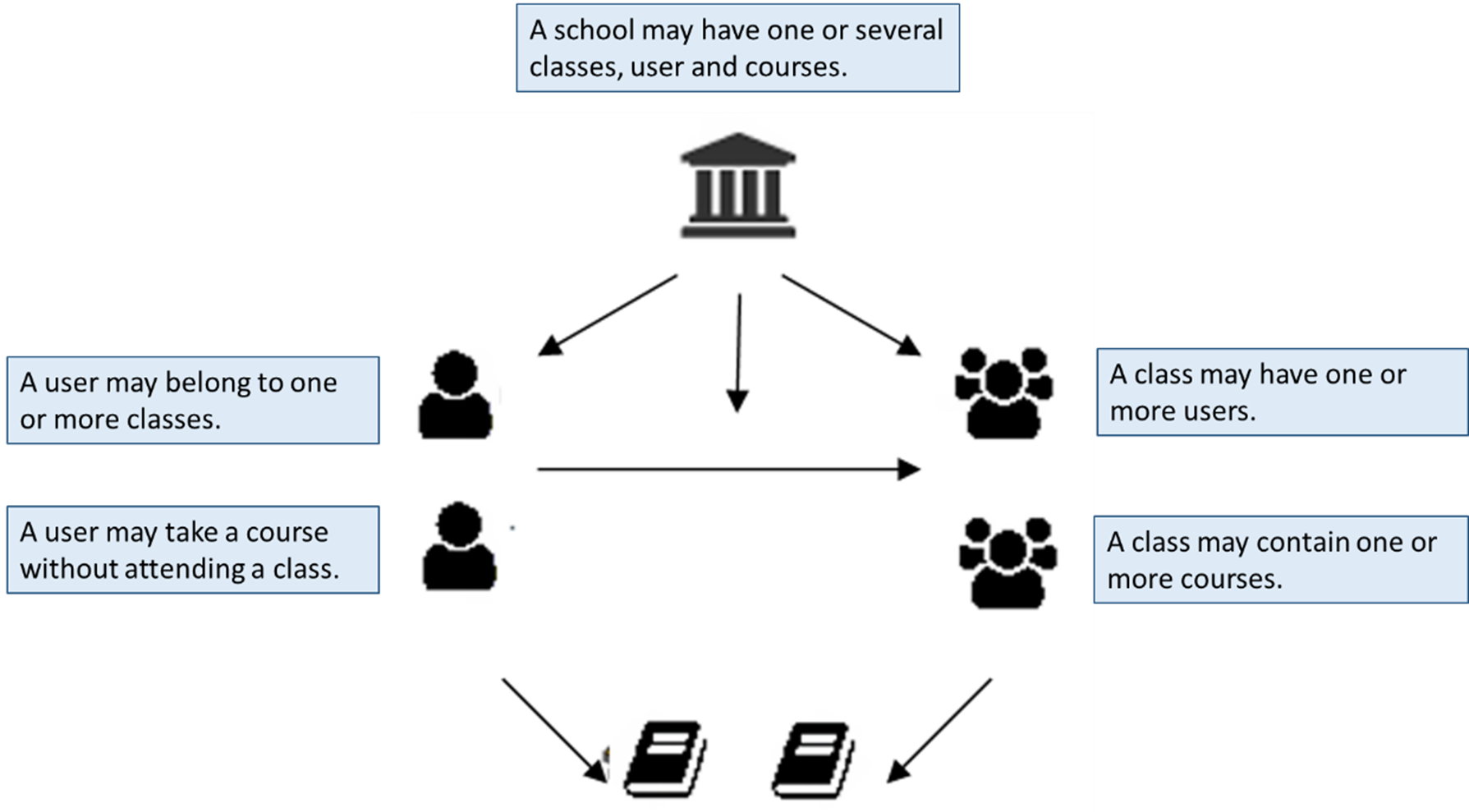
The most common way to assign courses is to create a class that contains courses. For example, the "Leaders" class may include courses relevant to managers. By placing the user in this class, you give the user access to these courses. When users are placed in classes it is also easier to keep track of, for example, the report "Results for class".
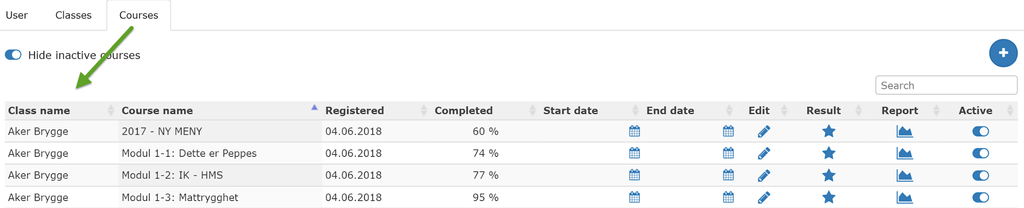
When a user has courses assigned through the class, it looks like this when you edit the user:
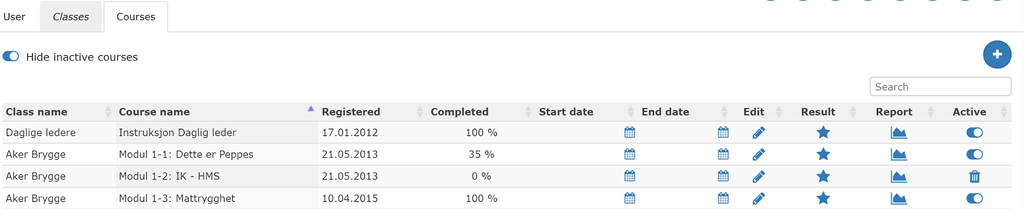
This user participates two classes (Aker Brygge and Daglige ledere) and gets assigned courses through these:
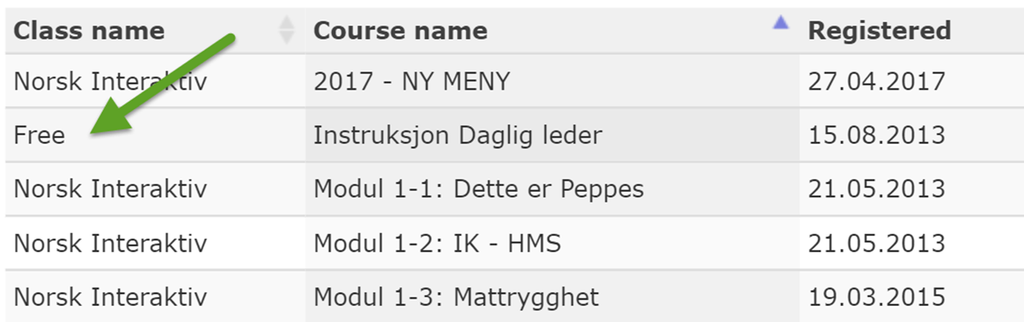
However, a user can be assigned one or more courses without having to attend a class. The courses are then marked as freestanding courses “Free".
It is also possible to create subclasses, ie classes in classes. A class can contain smaller classes that have the same or different courses, login times, etc.