Creating a new class / subclass
-
In the main menu, click “Classes”. You will then see a list of the classes registered at the school.
-
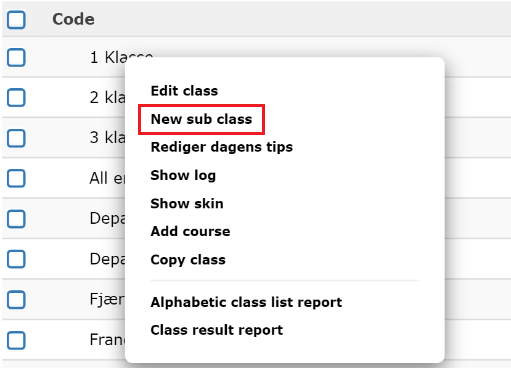
Click on one of the classes to bring up the pop-up menu.
-
Select “New Subclass”.
-
Enter the name of the class you want to create. You can also set a start and end date for the class / subclass. The users in the class will then only have access to the courses for the specified period.
-
Click “Save” and you have created a new class. This is shown in the class overview. From here you can then edit the class as well as add users and courses.