Connect to MentorKit Course Creator
MentorKit Course Creator is the companion tool where you build and manage your SCORM courses. To publish courses to your WordPress site, you need to connect Course Creator to your LMS Pro installation. This is a one-time setup.
Step 1: Open Integrations in Course Creator
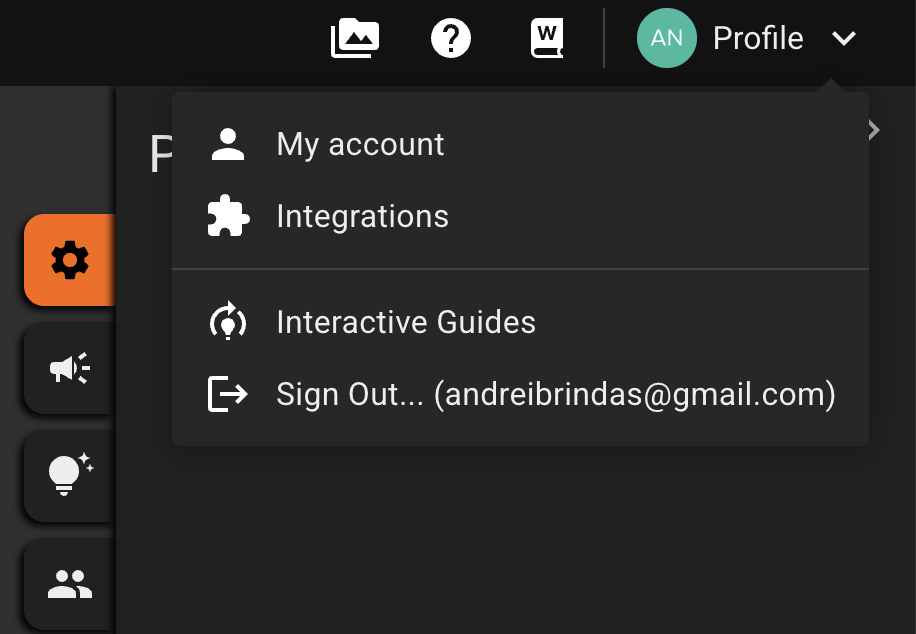
Log in to MentorKit Course Creator. Hover over Profile in the top menu, then click Integrations.
Step 2: Add Your WordPress Site
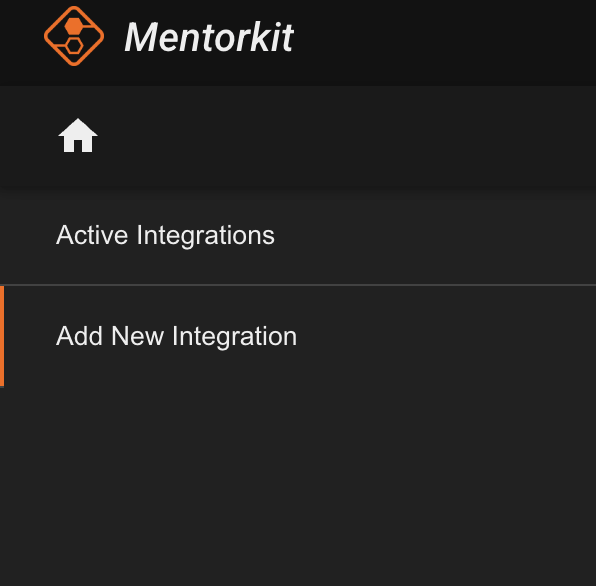
In the left sidebar, click Add new integration.
Select WordPress as the platform and paste in your website address.
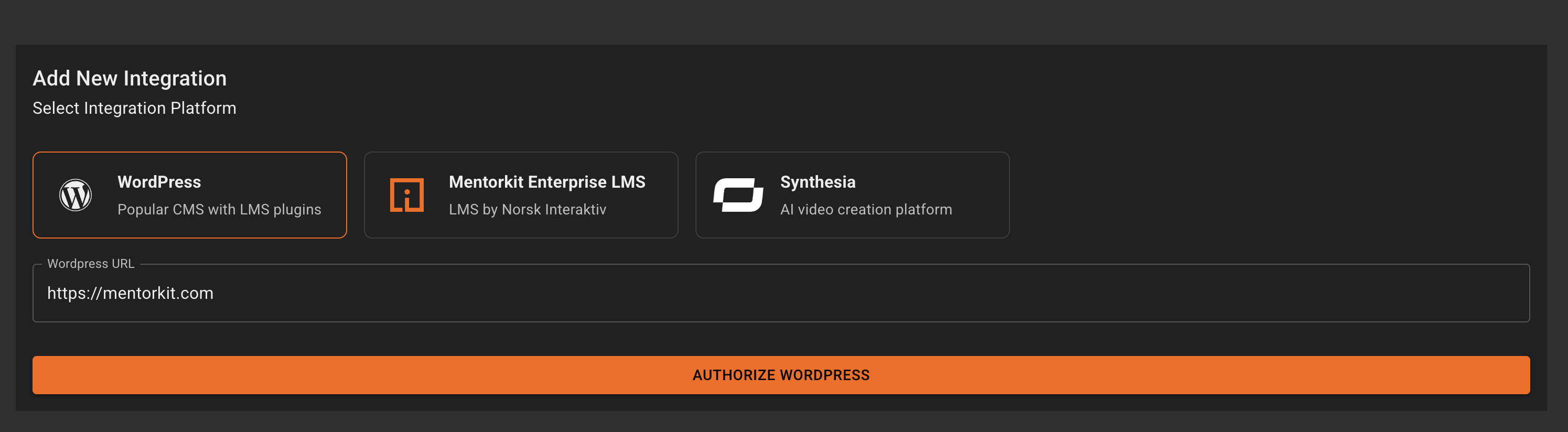
Click the Authorize WordPress button.
Step 3: Authorize the Connection
If you're not already logged in to your WordPress site, you'll be prompted to log in first.
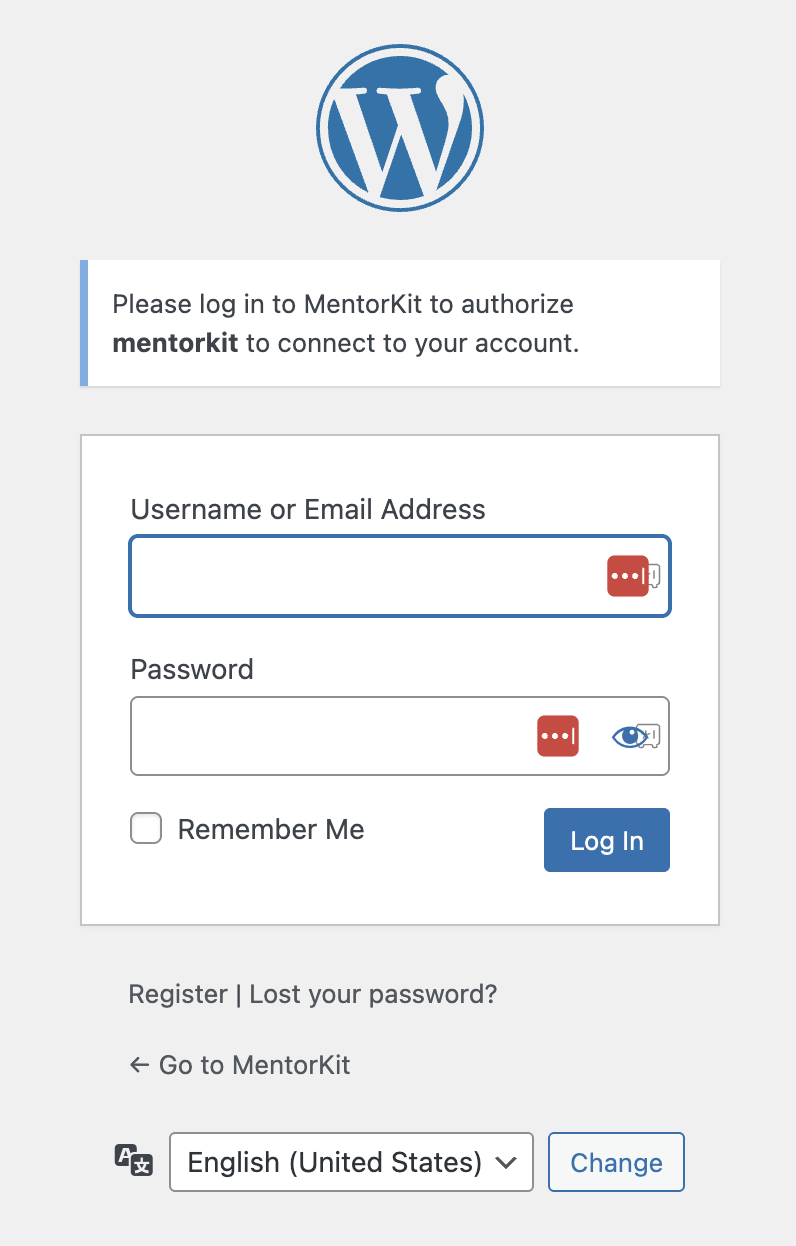
On the authorization screen, click Yes, I approve this connection.
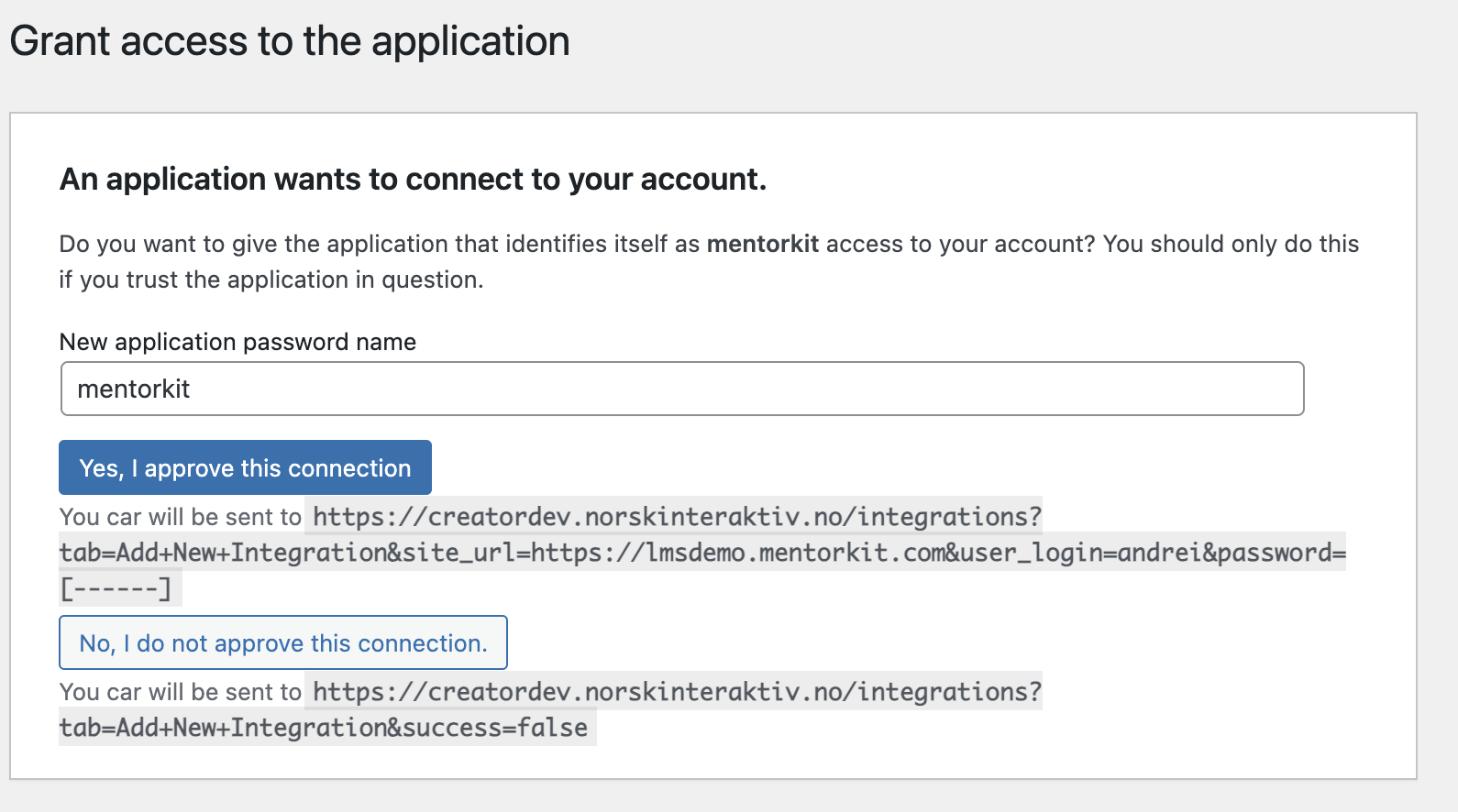
You'll be redirected back to Course Creator. If successful, you'll see the Integration complete screen.
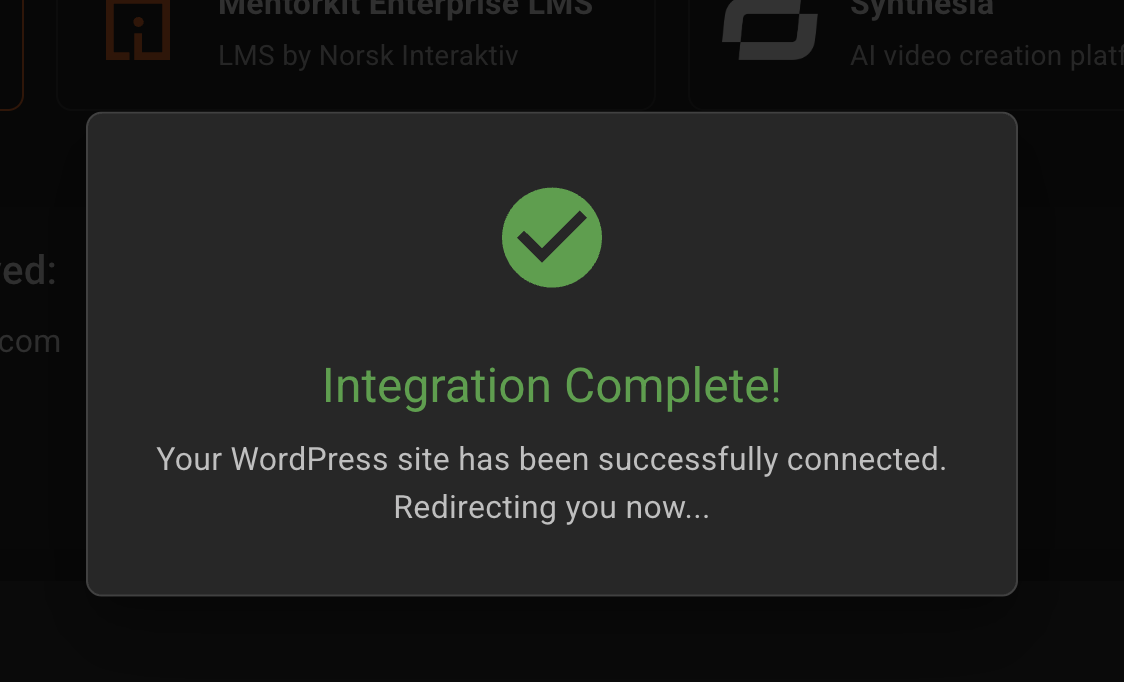
Your WordPress site is now connected. You can start publishing courses from Course Creator to your LMS.
What's Next
- Publish Courses — publish your first SCORM course to your WordPress site