Publish Courses
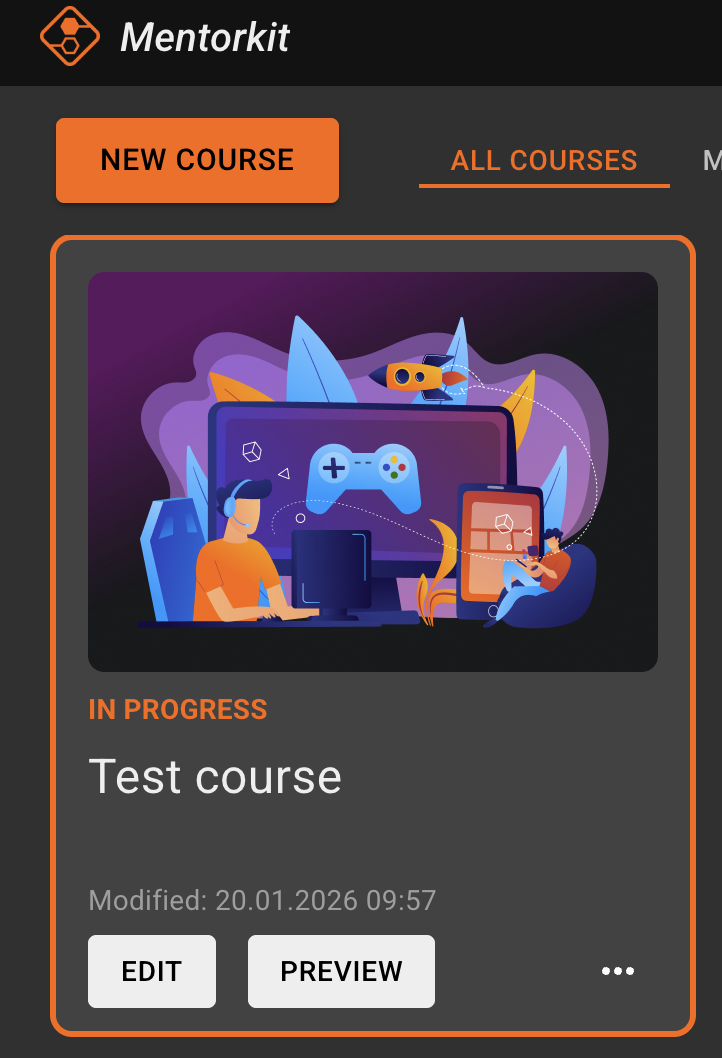
Select the course you want to publish, and click the 'Edit' button.
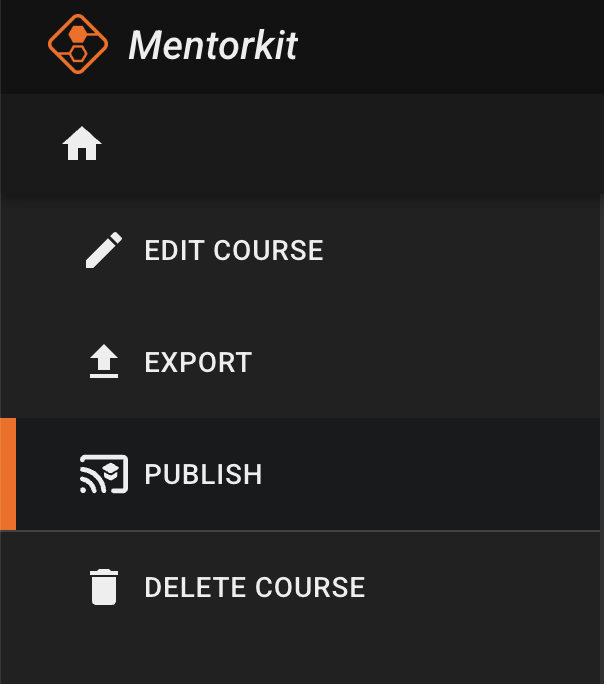
From the Edit Course screen, click the 'Publish' link in the left sidebar.
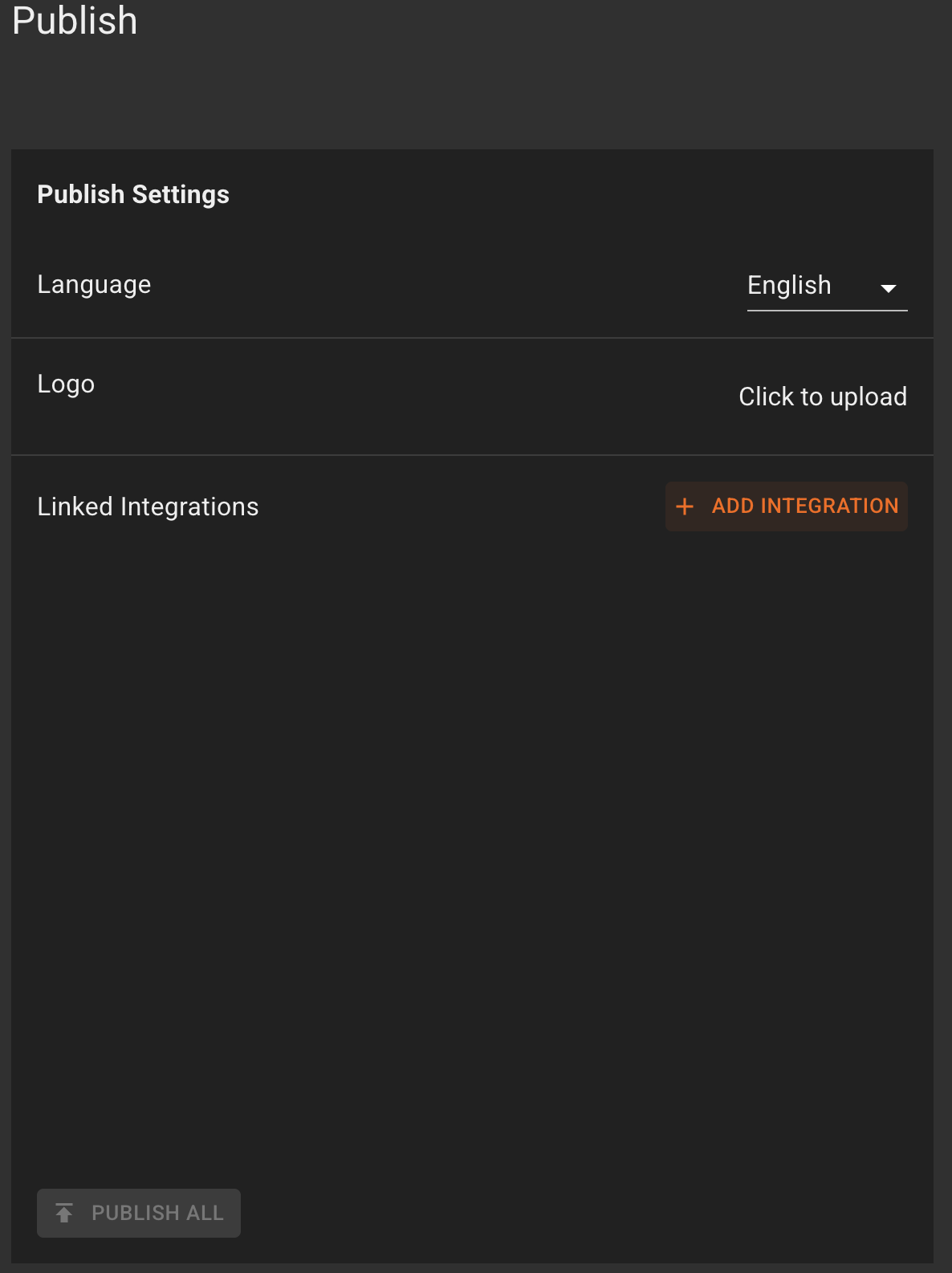
On the Publish screen, click on the '+ Add Integration' button.
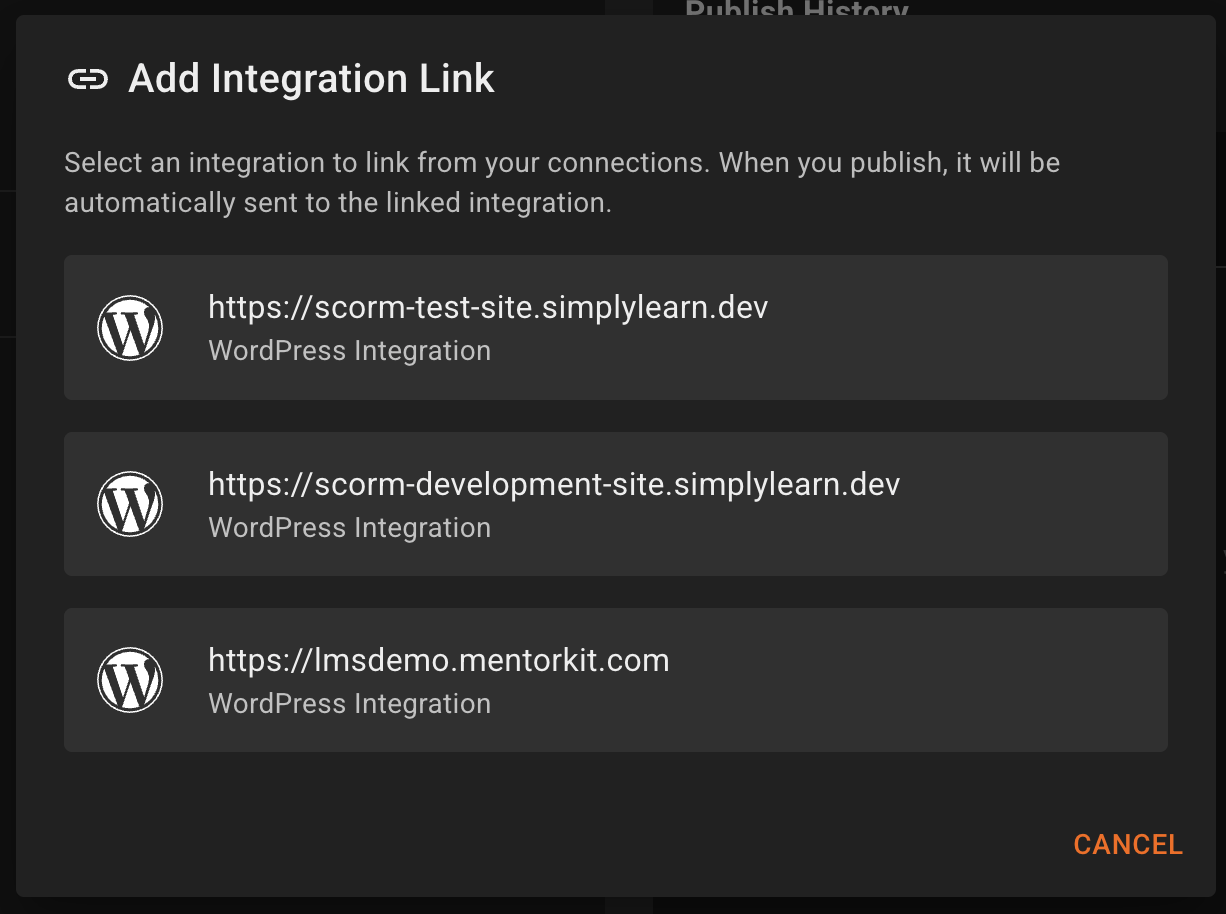
After you click on that, a pop-up will appear with all of your LMS integrations. Chose the one you want to link from the list.
After being selected, the LMS integration will be linked to the course.
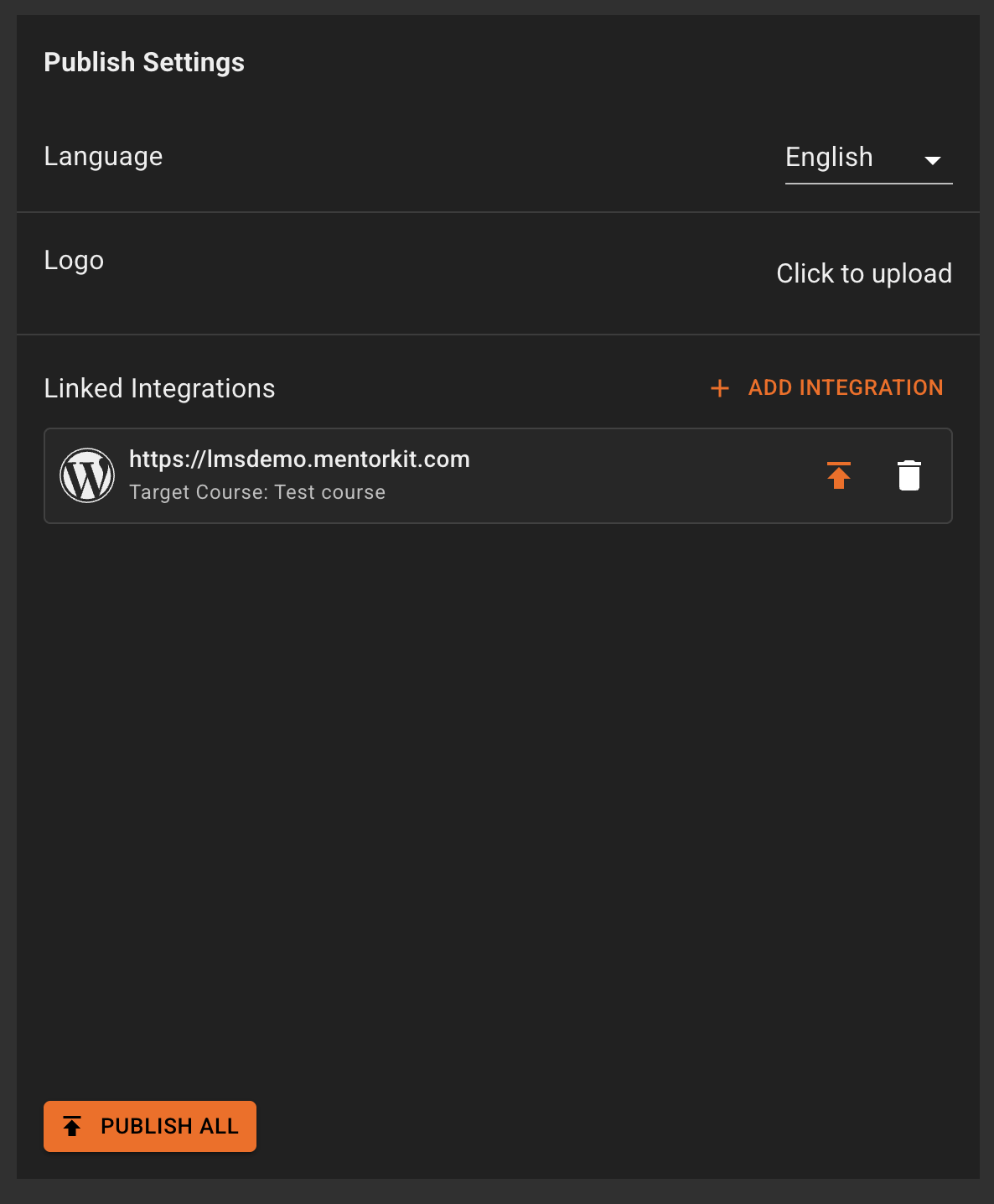
Note: You can link multiple integrations to the same course.
To publish the course, you can click on the orange arrow on the integration card:

Or you can click on the 'Publish All' button at the bottom (works both with one or multiple courses):
