WordPress Connection
Log in to Mentorkit Creator at https://creatordev.norskinteraktiv.no/.
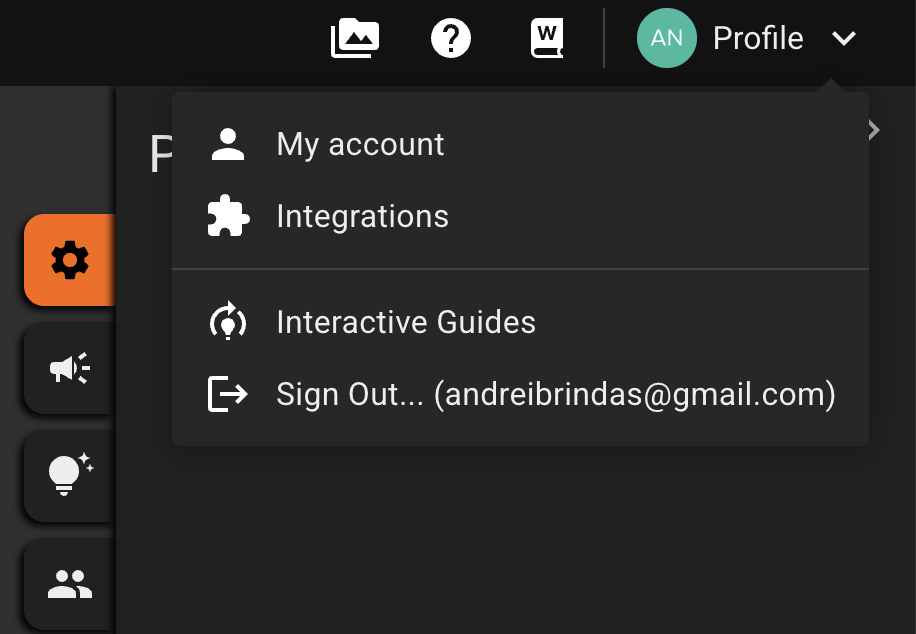
From there, hover over 'Profile', then click on 'Integrations'.
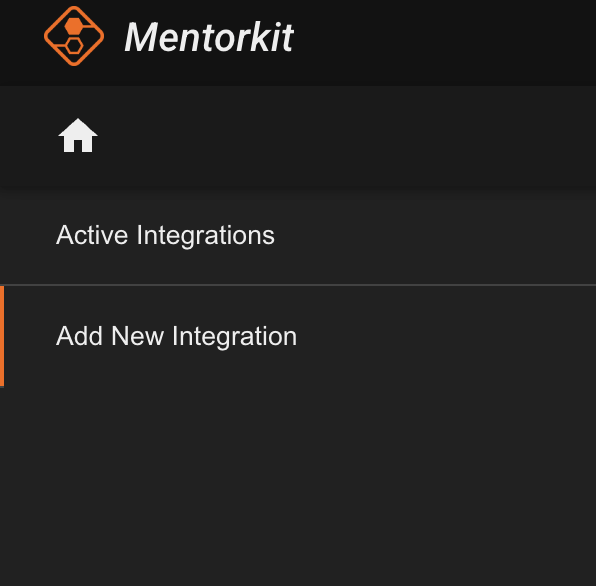
In the left sidebar, click on 'Add new integration'.
From the platform selector, select WordPress and paste in your website address.
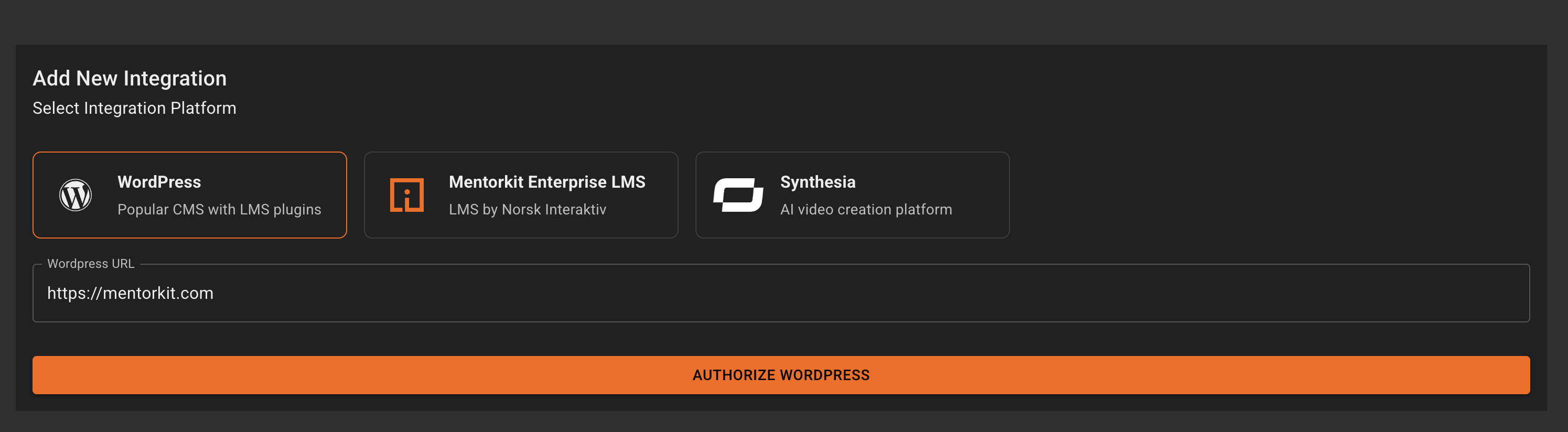
Then click on the 'Authorize WordPress' button.
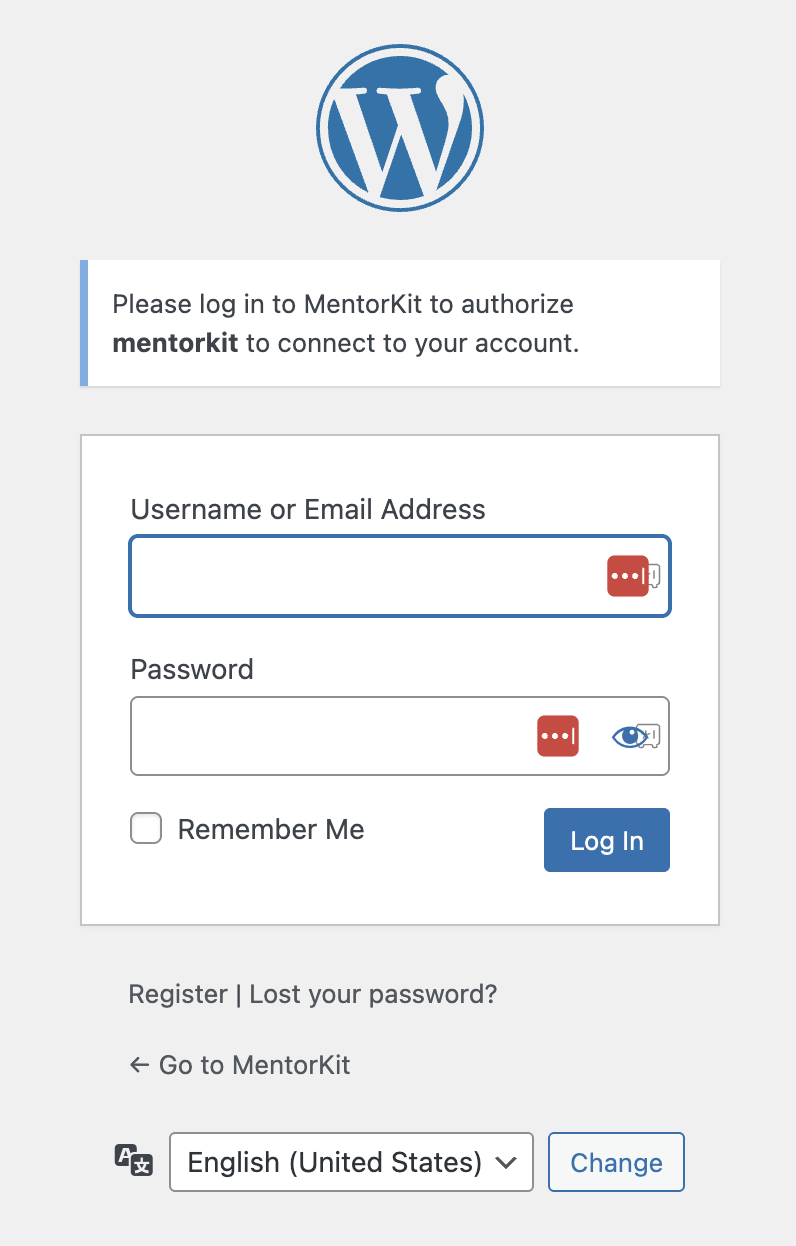
If you are not logged in already to your website, you'll get the prompt to log in.
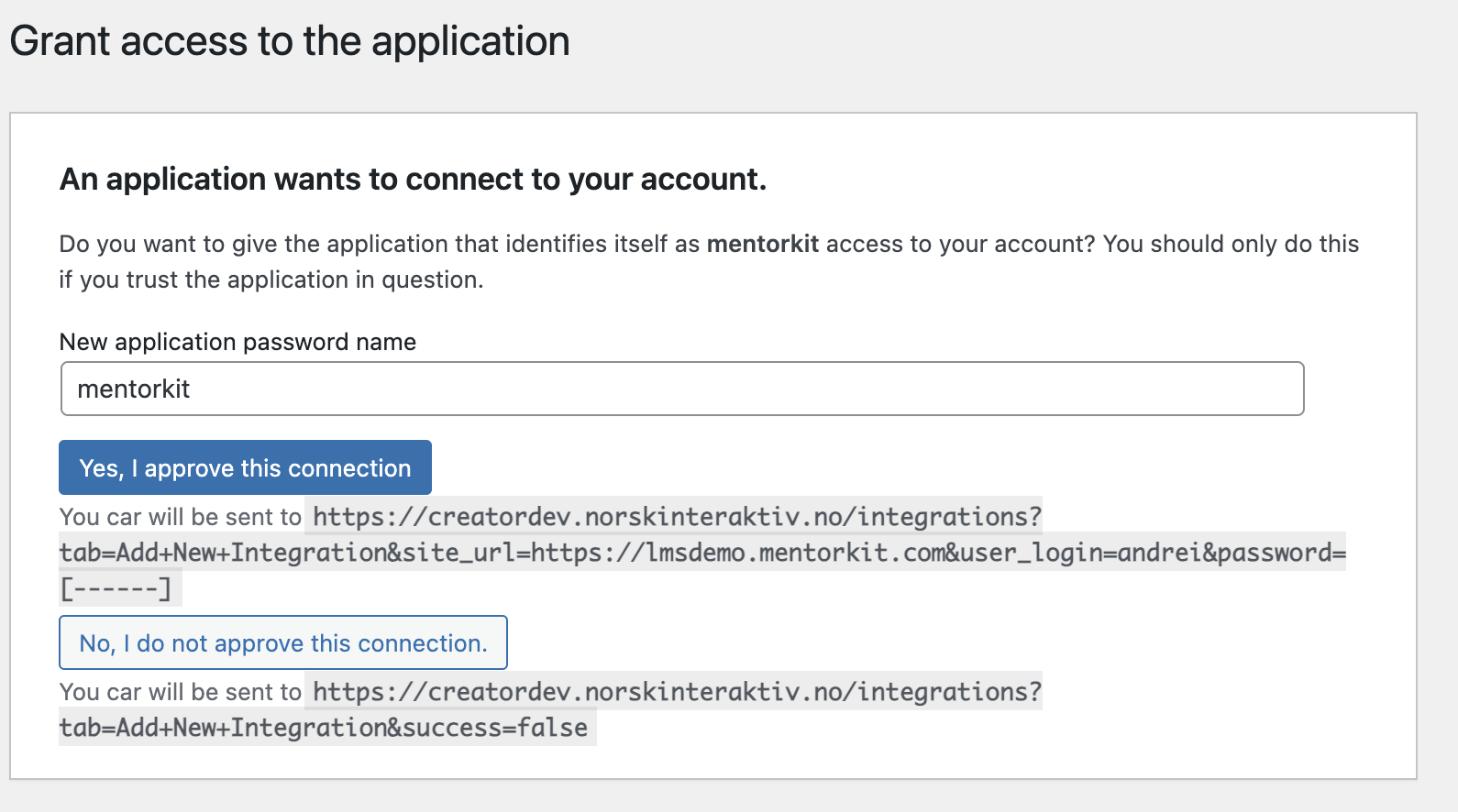
After you have logged in you'll be taked to the Authorization screen. If you are logged in already you'll be taken here directly.
On this screen, click on the 'Yes, I aprove this connection' button.
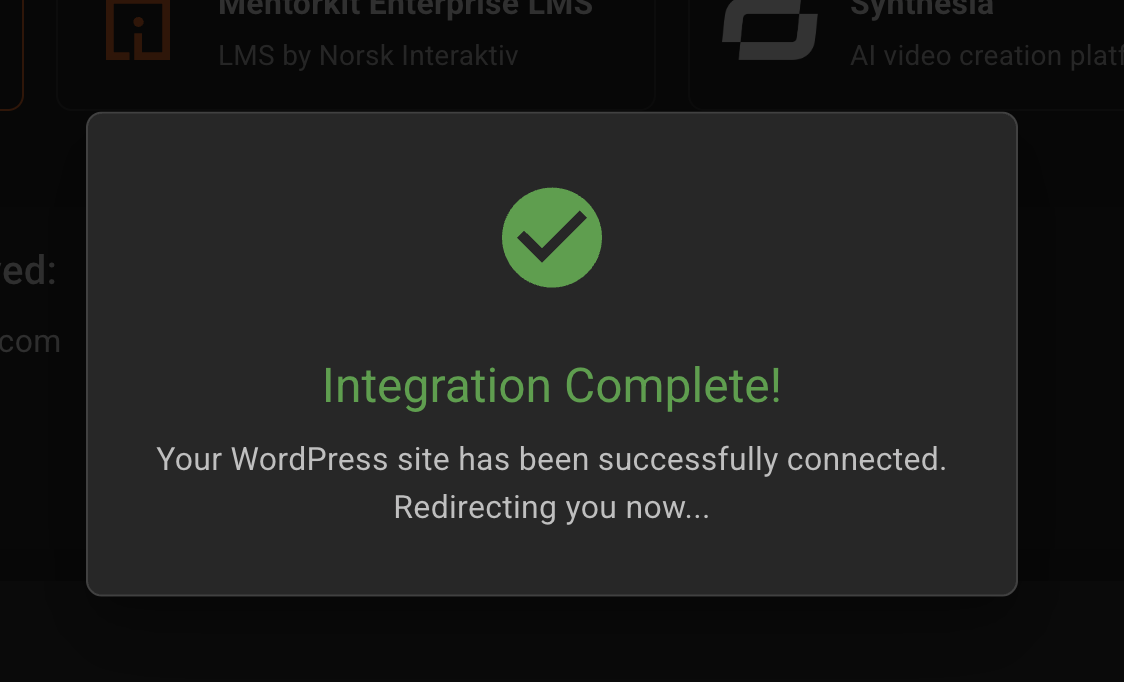
You will be redirected to Mentorkit Creator and if successful you will see the 'Integration complete' screen.
Now you are ready to publish courses.