Score System Overview
The score system determines how learner performance is measured across a course. Scores are based on exercises, assigned points, and course settings. The total score reflects how well the learner has performed.
Default settings
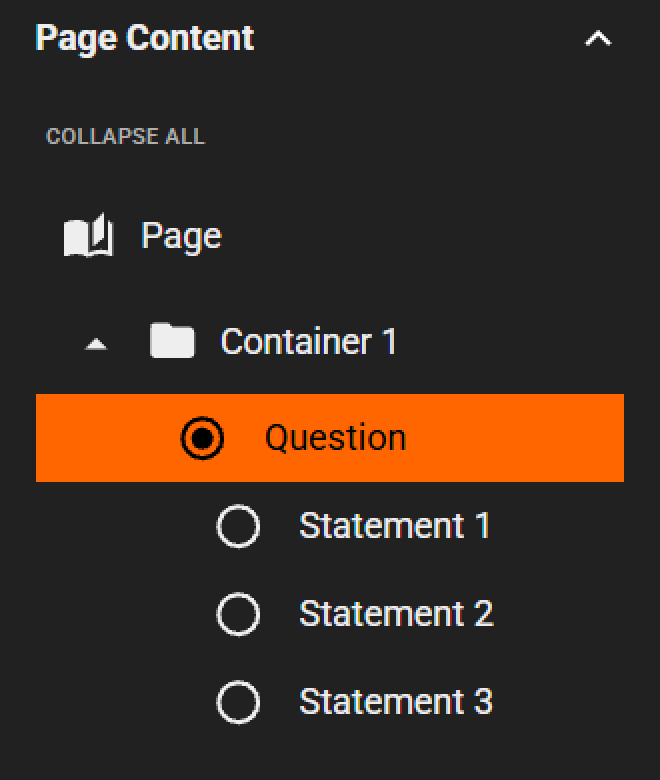
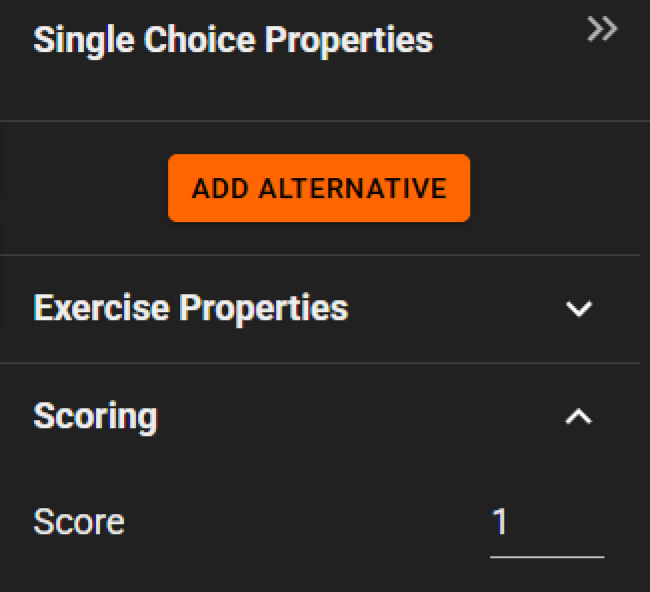
New exercises start with a score of 1 point. You can adjust the point value for each exercise in the Properties panel.
 |  |
Correct answers
Each exercise requires correct answers to be defined.
- Single Choice and True or False use one correct answer
- Multiple Choice can use one or more correct answers
The selected correct answers are used to evaluate the learner’s result.
Where scores are used
Scores contribute to the overall course result.
- The total score is calculated based on all scored exercises
- Results can be exported to SCORM-based systems as a percentage of the total possible score
- Completion settings can require a minimum score to pass