Plugin Main Screen
Find and navigate the MentorKit LMS main screen in your WordPress admin.
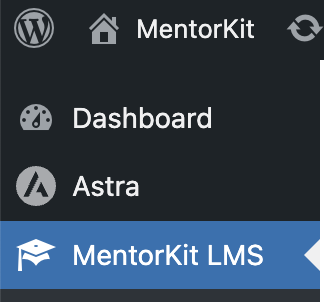
To get to the Mentorkit LMS main screen, go to your WordPress admin dashboard, and from there you can click on the Mentorkit LMS menu link.
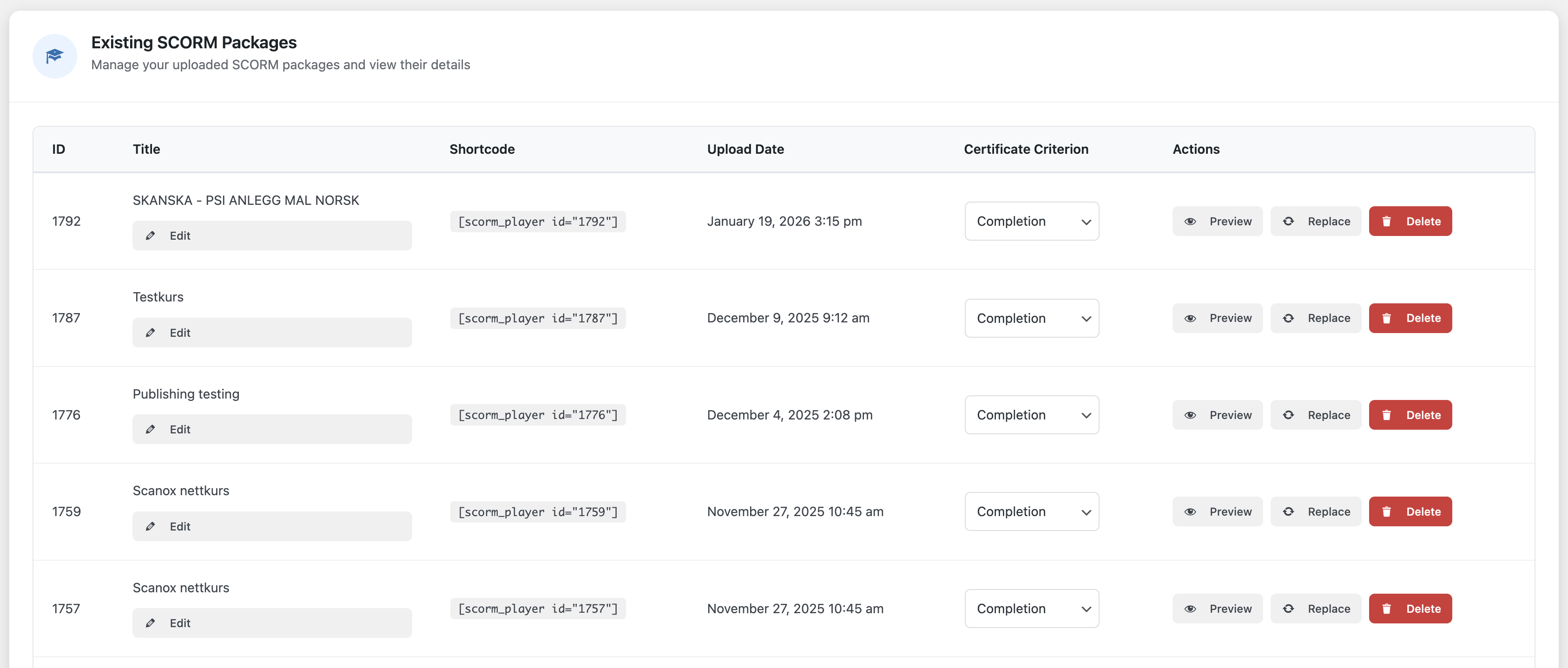
From here you can see the overview of all the courses published.
What's Next
- Edit Course Content - Edit course descriptions and content
- Edit Course Access - Configure who can access your courses