Edit Course Content
Edit course descriptions and content that appears on the front end.
To edit the courses settings, you will need to go to the courses link in the Mentorkit menu.
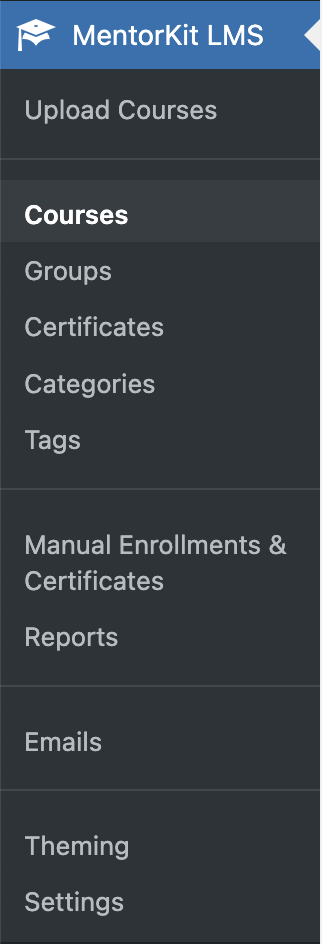
Here you will find another courses list.
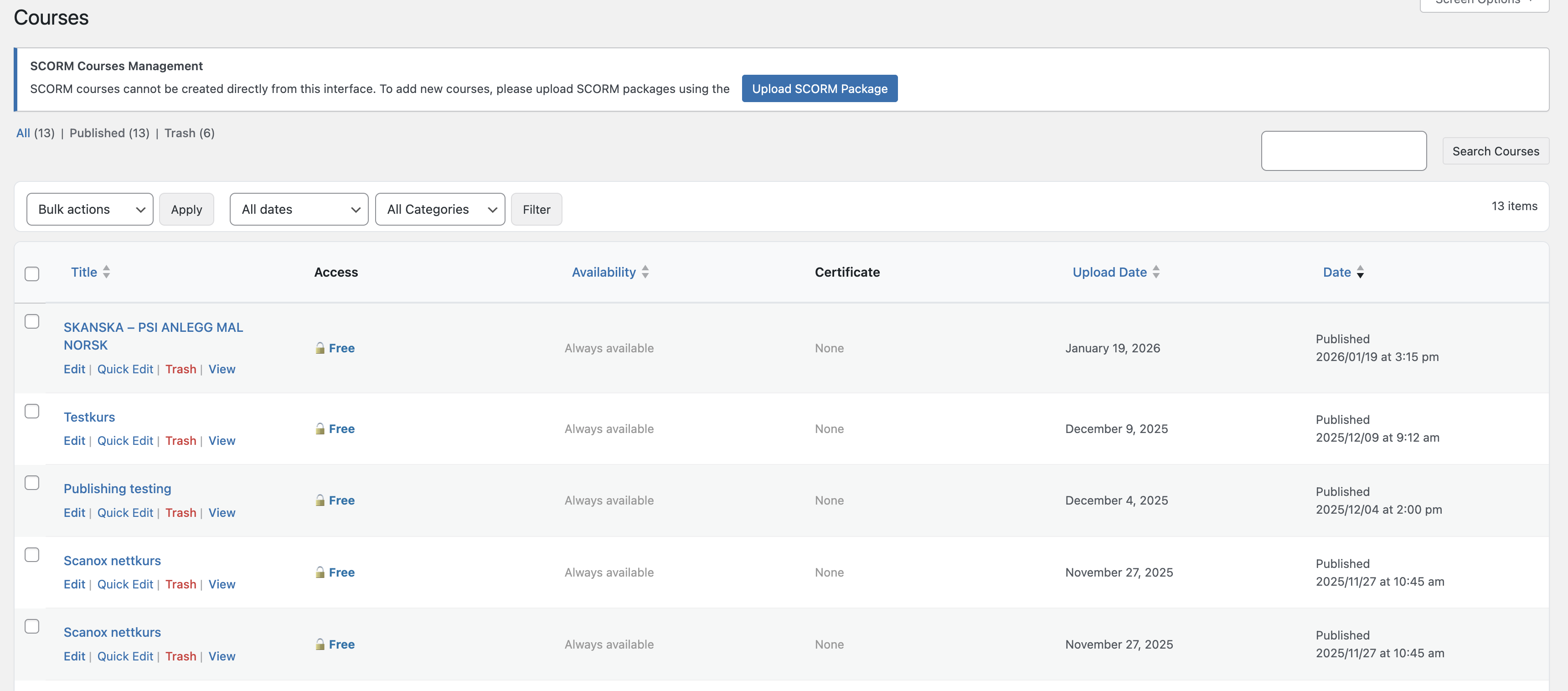
To edit, you need to click on the 'Edit' link under any of the courses published.

You will be taken to the 'Course edit' screen. The first thing you'll see is a content editor. This edits the content that will appear on the front end of the course.
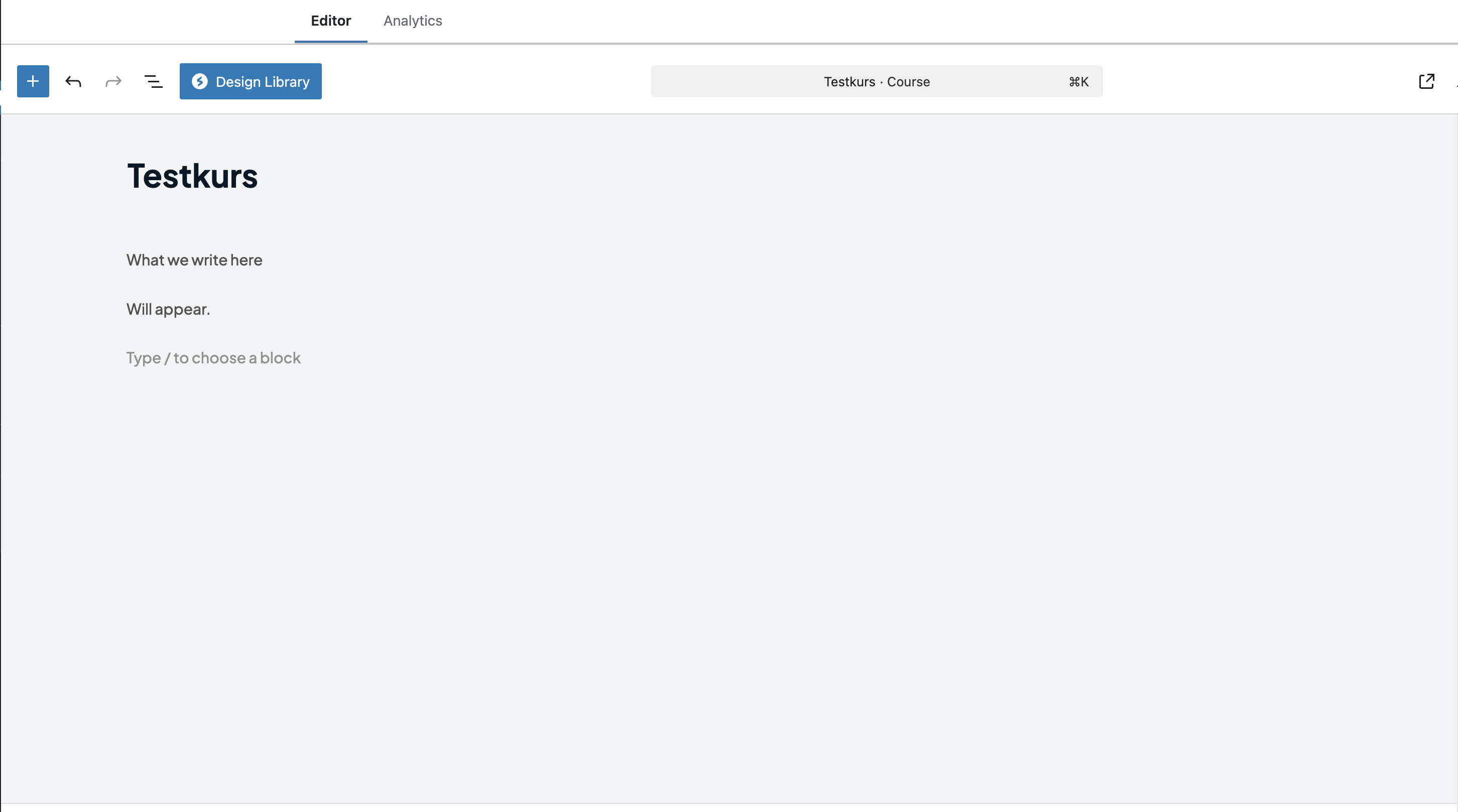
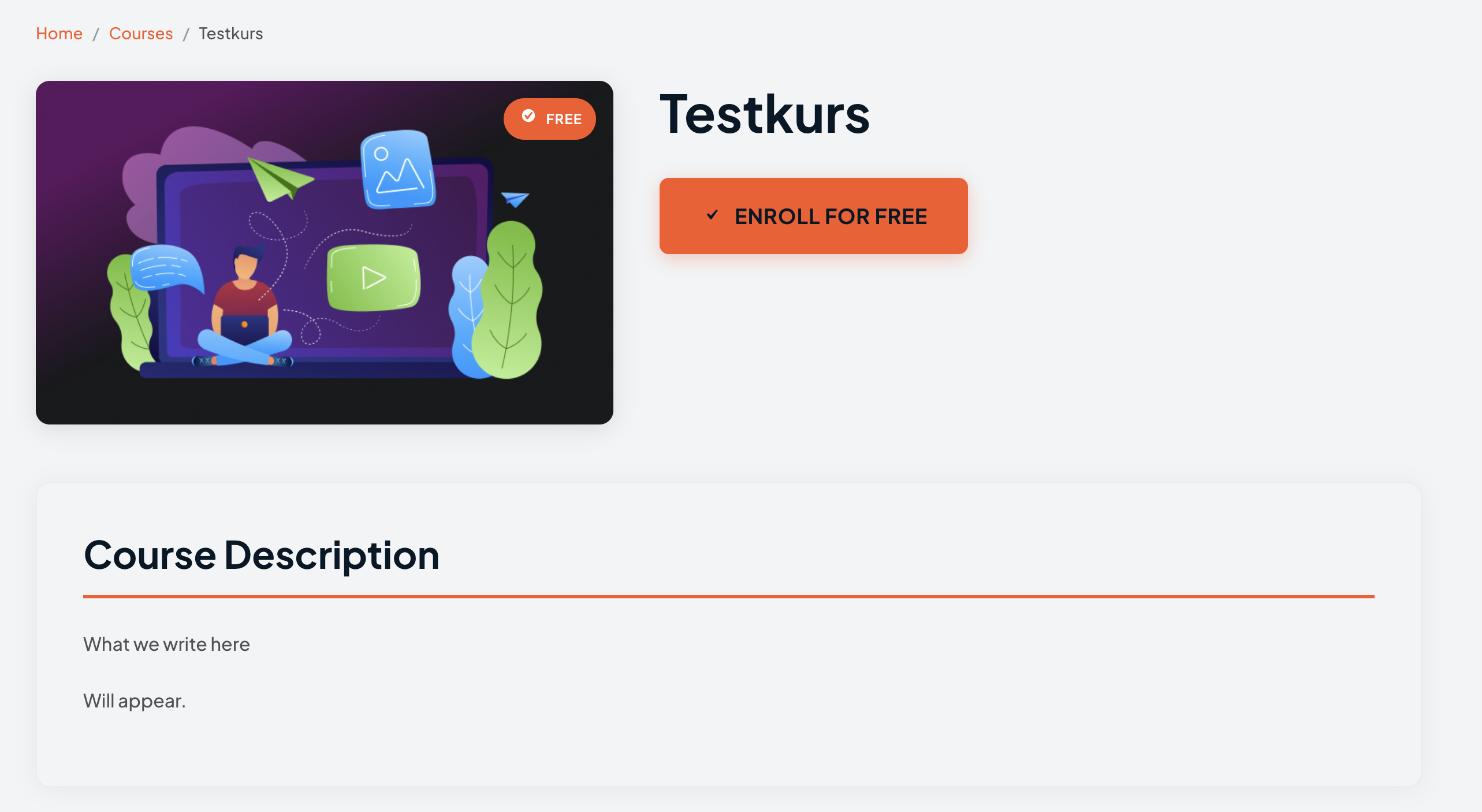
Any content added there will appear in the description section on the front end:
What's Next
- Edit Course Access - Configure who can access your courses
- Paid Courses - Sell courses through WooCommerce