Enable an inactive course
-
In the main menu, click “Course”.
-
Click the "Show inactive/Show disabled courses" icon.

- Find the course you want to reactivate, and click the “Active” button in the column to the right.
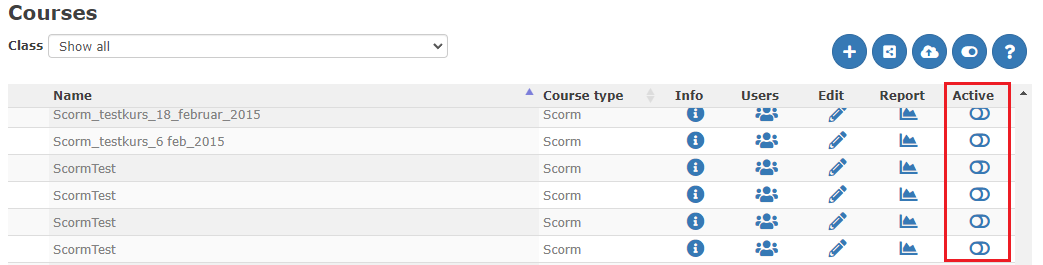
- The course is now listed as active course.
⚠️ Important
It is only at the production school that this procedure works. This means that courses shared from another school cannot be activated in this way.