View and print report from a single school
-
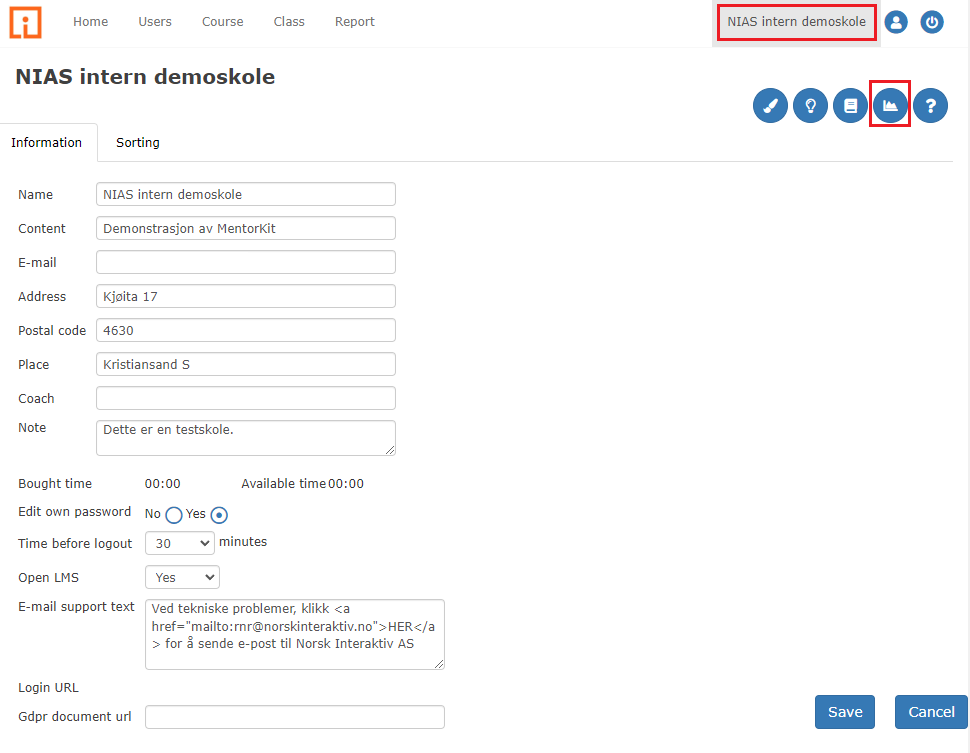
Click the “School name” in the upper right corner in the main menu.
-
Select “Reports” from the menu at the top right of the screen.
-
You now enter the report screen and can choose which report you want to view or print.