View course information, create and edit courses
-
In the main menu, click “Courses”.
-
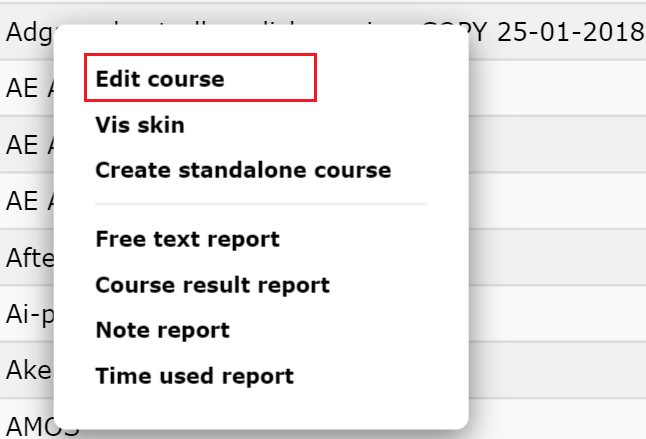
Click on the course you want to see information on so that the popup menu pops up.
-
Select “Edit course” from the popup menu.
-
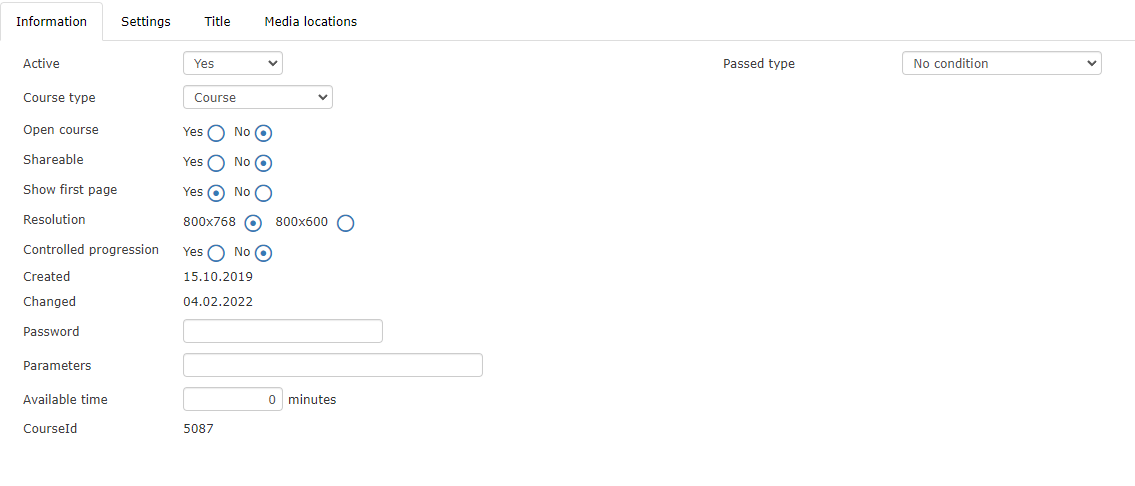
You will now see a window with information about the course. Here you can read information about the course and you can edit the information.
You can also edit courses by clicking the “Edit” icon:
