Change a user's password
-
Select the tab “Users” from main menu.
-
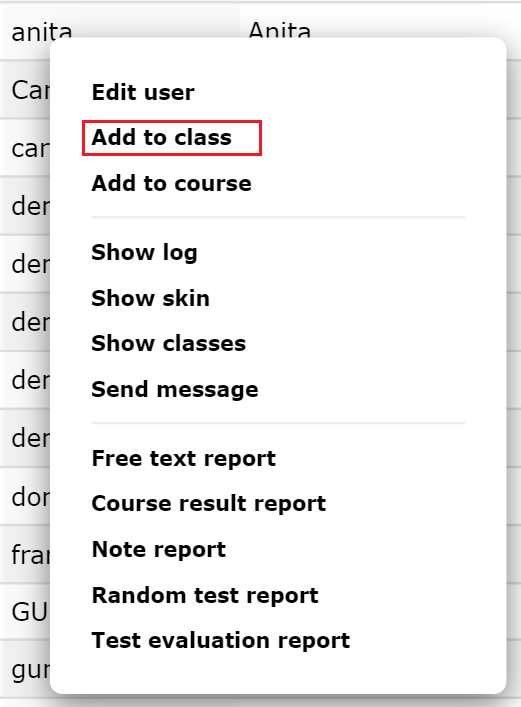
Click on the user you want to change your password to bring up the popup menu.
-
Select “Edit User”.
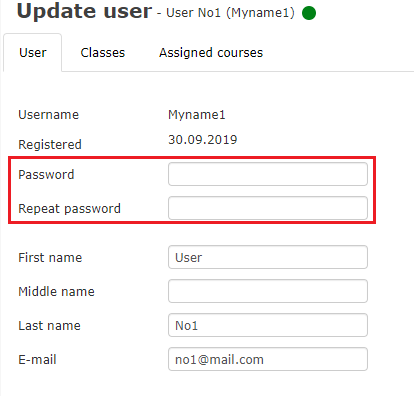
- Under the tab, Personalia enter a new password in both password fields.
-
Under the tab, Personalia enter a new password in both password fields.
-
Click "save" to confirm.