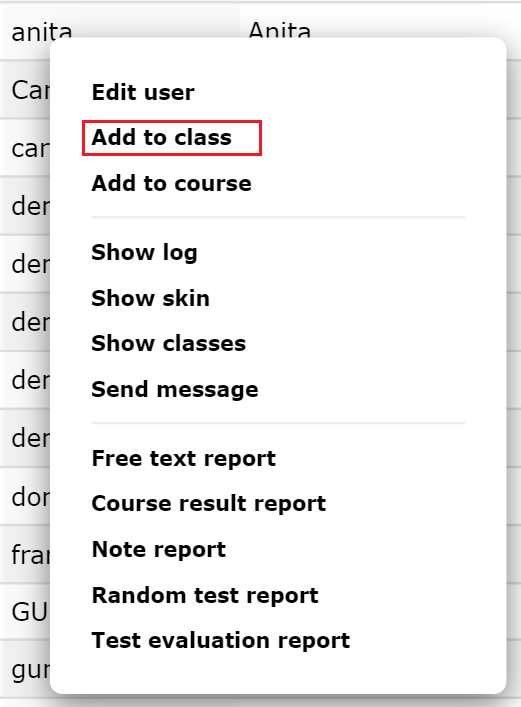
Place a user in an existing class
Select the tab “Users” from the main menu.
Click on the user you want to place so that the pop-up menu pops up.
Select “Edit User”.
Select the form “Classes”. You get an overview of all classes and any subclasses that the user belongs to:
Click the plus symbol “Add class”. You will get an overview of all classes and any sub-classes at the school.
Uncheck the desired class (or more) and click “OK”. The user becomes a user in the selected class. The user then participates in all the courses the class takes.