Remove a user totally (GDPR)
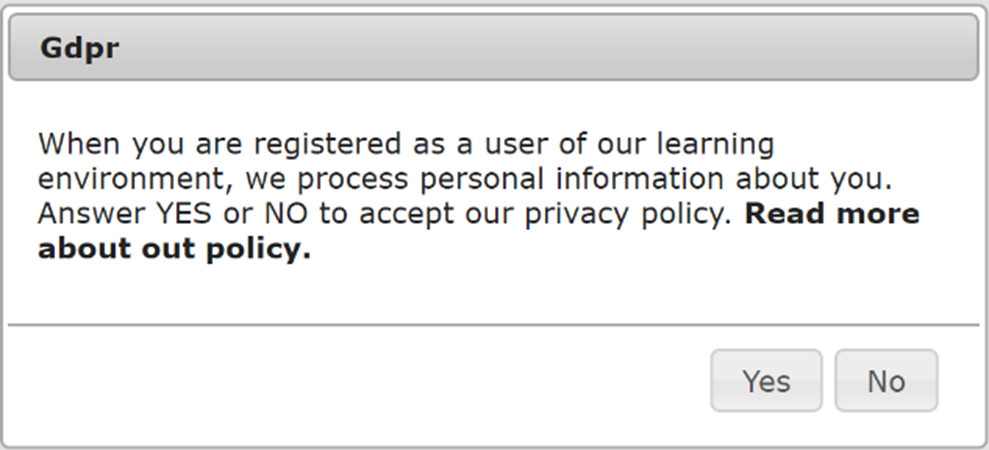
The first time a user logs on to the system, he or she is encourage to accept the use of personal data in accordance with the GDPR regulations and policies of the company in question and according to the current data processor agreement. If they do not accept the regulations, then the user is not activated in the system and cannot log on.
If a user wants to be deleted from the system, they can click on the help button and send a request to delete data to the administration.
He / she will then be visible under the "Users" tab in the management system. In the example, there are 16 users who want to be deleted:

By clicking on the symbol GDPR marked with red you get this overview:

Anonymizing
By selecting this, their personal data is removed completely. It will not be possible to reconstruct data.
Reset
Accept GDPR conditions can be turned ON / OFF. The user will then have another chance to accept the regulations / terms at the next login.