View information about a user / edit existing
-
Click “Users” in the main menu.
-
Search for users by selecting a class or using the search box.
-
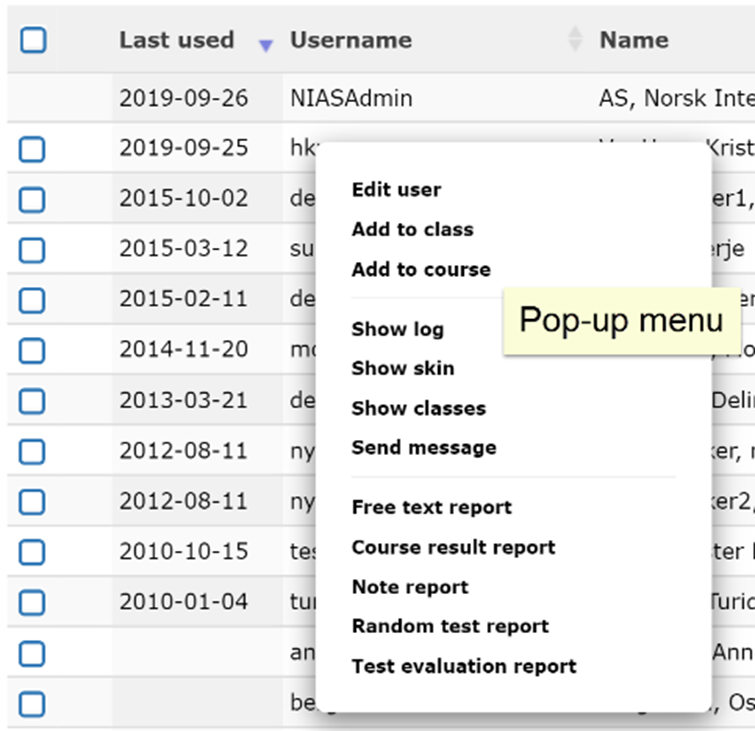
Click on the username to bring up a pop-up menu where you can choose to edit the user. You can also click on the pencil icon to edit.
-
Choose from the tabs “User”, “Classes” and “Assigned courses”.