Giving a User Access to an Existing Course
You can give a user access to a course in several ways. Here is one way:
-
Select “Users” from the main menu. You will get an overview of all registered users at the school. (Or the class, if a class is selected in the drop-down menu Class on the upper left of the page.)
-
Click the user you want to grant access.
-
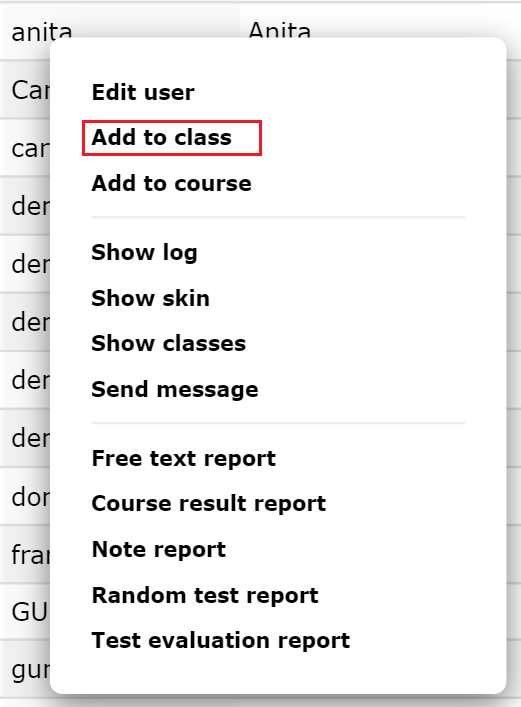
Select “Add courses” from the popup menu. You will get an overview of the available courses that the user does not already take.
-
Select (one or more) courses.
-
Enter “Start Date” and “End Date” if desired. The user will have access to the course during this period. See separate section on date-limited access.
-
Choose class if desired. If you do not choose a class, the course will be freestanding *.
-
When done, click “Save”. The user is now granted access to the course.
*Please note that reports on freestanding courses are usually obtained at the individual level, not the class level (since the course is not linked to any class but directly to the person).