Group Certificates
Groups can be configured to award certificates when users complete all courses within the group.
Assigning a Certificate to a Group
When editing a group, find the Certificate section in the Group Settings meta box.
- Select a certificate template from the Assigned Certificate dropdown
- Choose the awarding criteria: Completion or Pass
- Save the group

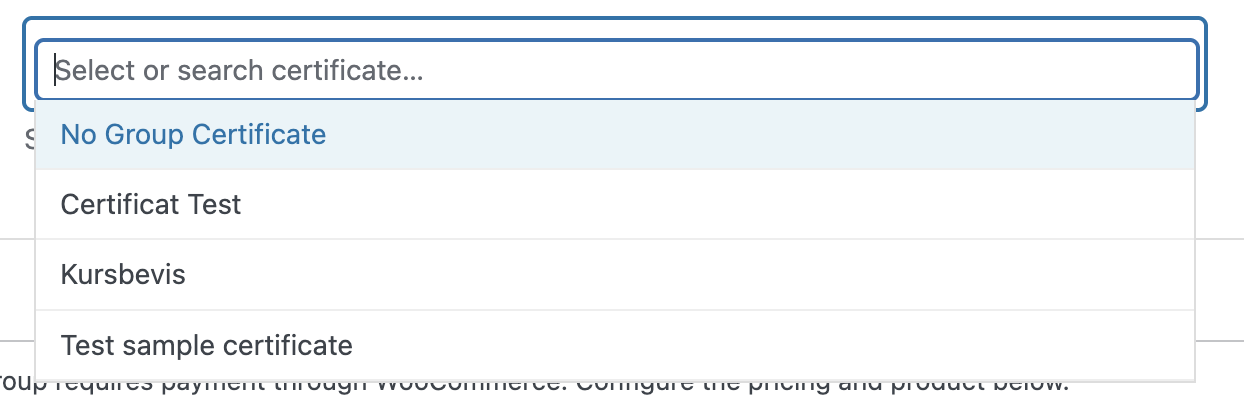
Certificate Criteria
| Criteria | Description |
|---|---|
| Completion | Certificate awarded when user completes all courses (regardless of pass/fail status) |
| Pass | Certificate awarded only when user passes all courses in the group |
How Certificates are Awarded
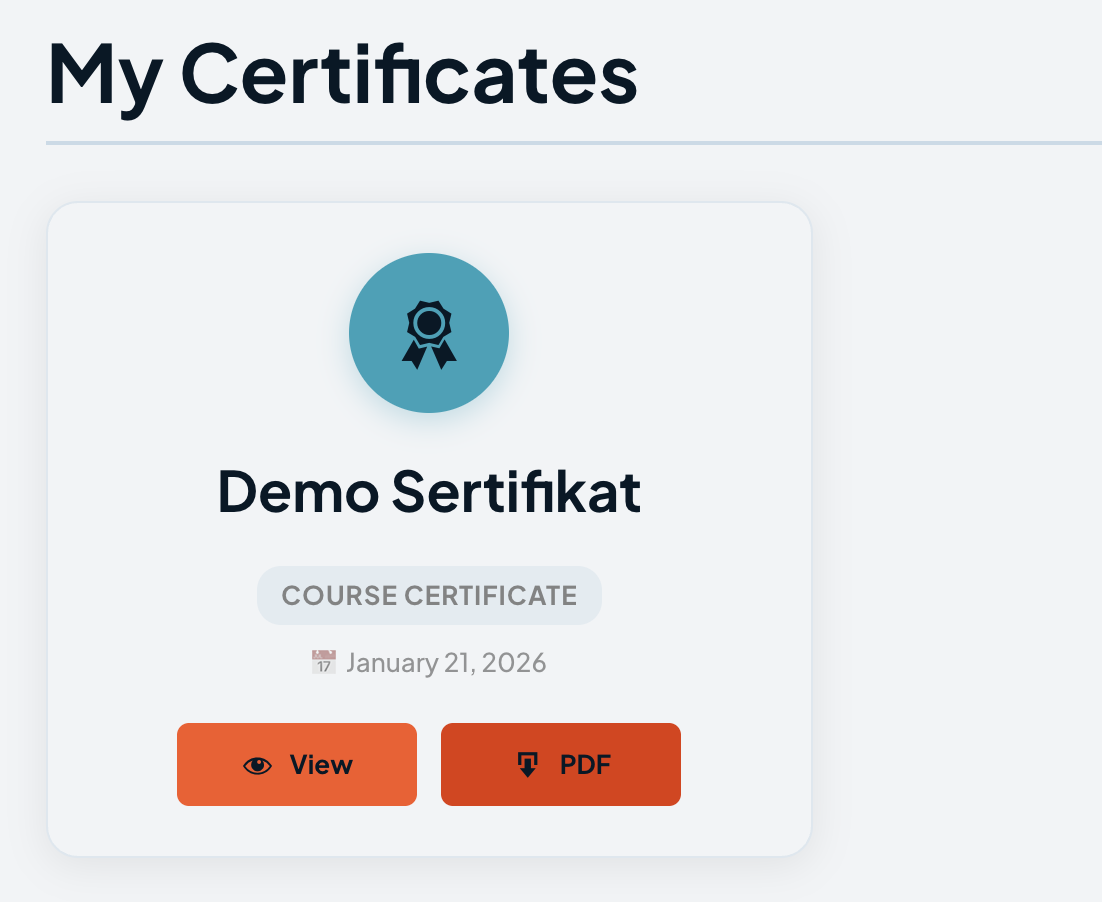
When a user completes or passes (depending on criteria) all courses in a group, the certificate is automatically awarded. The user can view and download their certificate from their profile page.
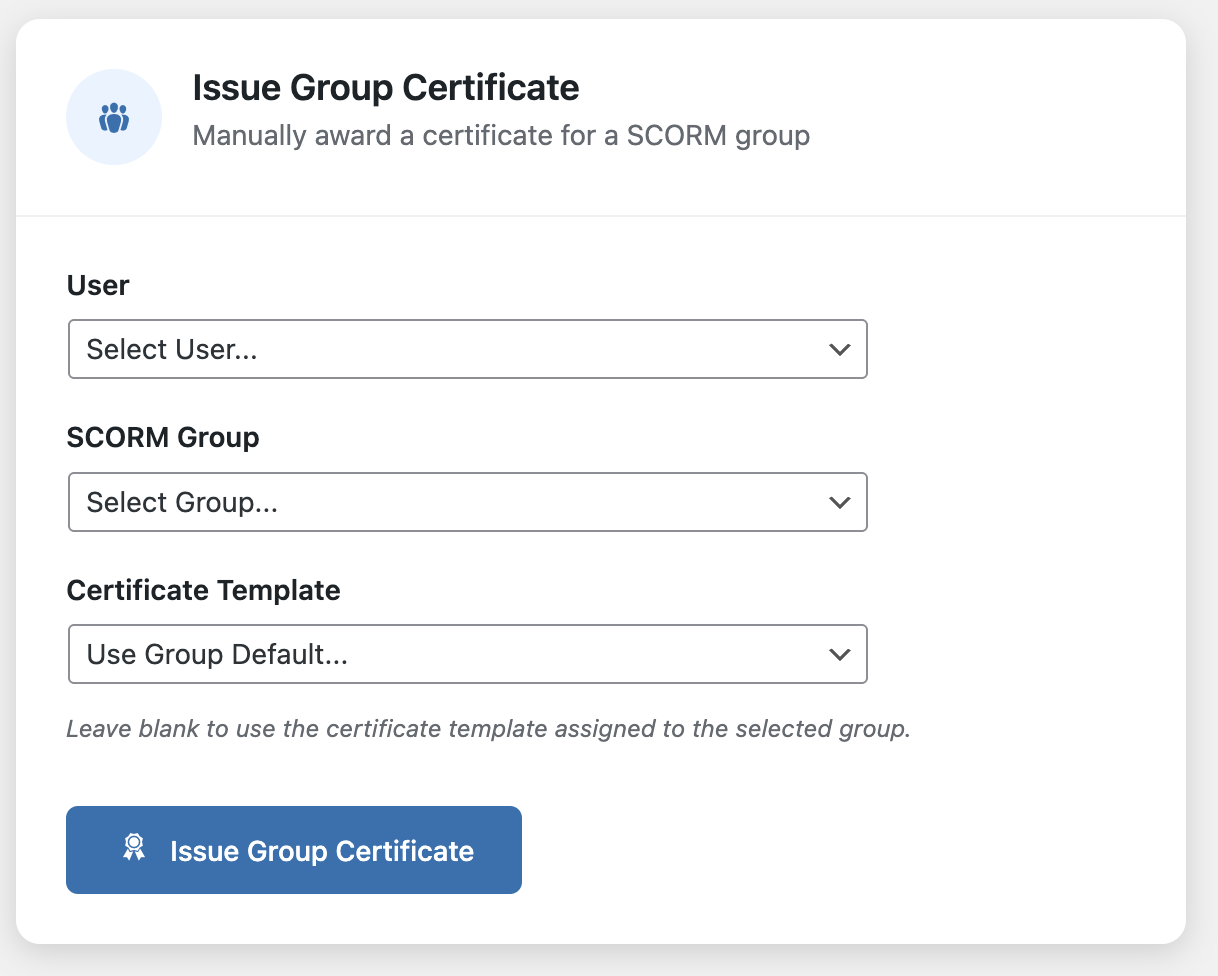
Admin Certificate Management
Administrators can manually issue or revoke group certificates through the Enrollments page.
Full certificate documentation, including creating certificate templates and customizing certificate appearance, is covered in the Certificates section.
What's Next
- Certificate Templates — create and customize certificate designs
- Issuing Certificates — manage issued certificates
- Sequential Progression — require courses to be completed in order before earning a certificate