Groups Overview
Groups allow you to bundle multiple courses together and manage access to them as a single unit. This is useful for corporate training programs, course bundles, or cohort-based learning where learners need access to a specific set of courses.
What is a Group?
A Group is a collection of courses that users can enroll in together. When a user enrolls in a group, they automatically gain access to all courses within that group. Groups provide:
- Bundled Access - Users get access to multiple courses with a single enrollment
- Progress Tracking - Track overall group completion across all included courses
- Flexible Access Control - Choose between free, paid, or closed enrollment
- Seat Management - Limit the number of users who can enroll
- Date Windows - Control when the group is available for enrollment
Access Types
Groups support three different access types:
Free Groups
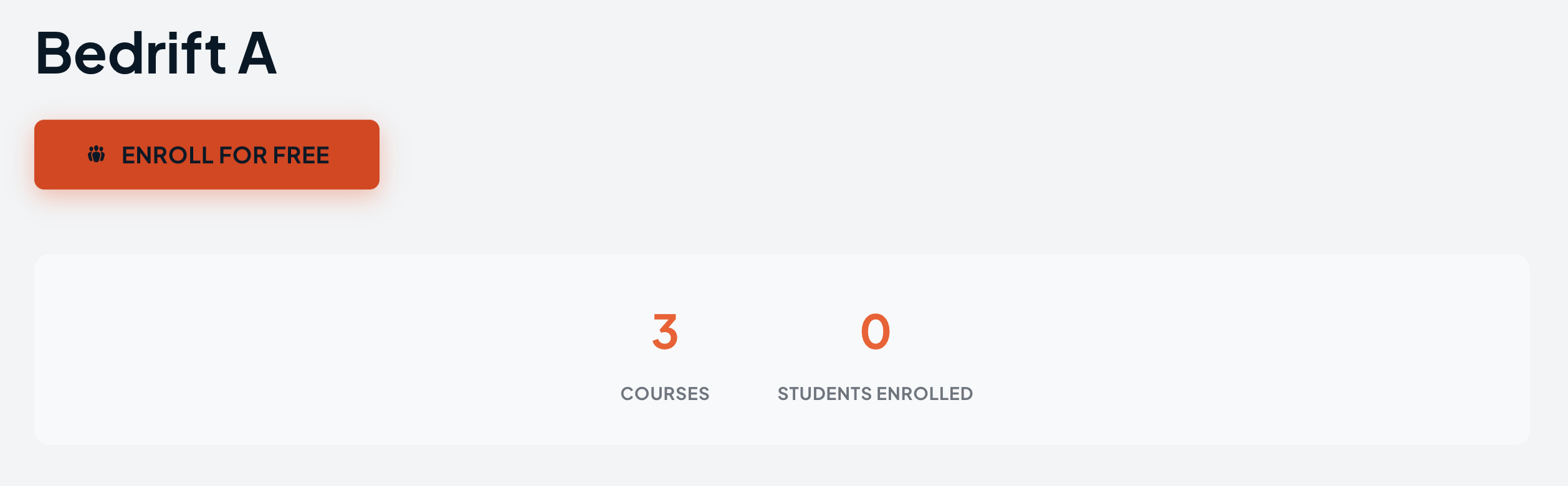
Free groups allow any logged-in user to enroll directly. Users click an Enroll for Free button on the group page to gain immediate access to all included courses.
Paid Groups
Paid groups require users to purchase access through WooCommerce. When a group is linked to a WooCommerce product, users see a Buy Now button that takes them through the checkout process. After purchase, they are automatically enrolled in the group.
Closed Groups
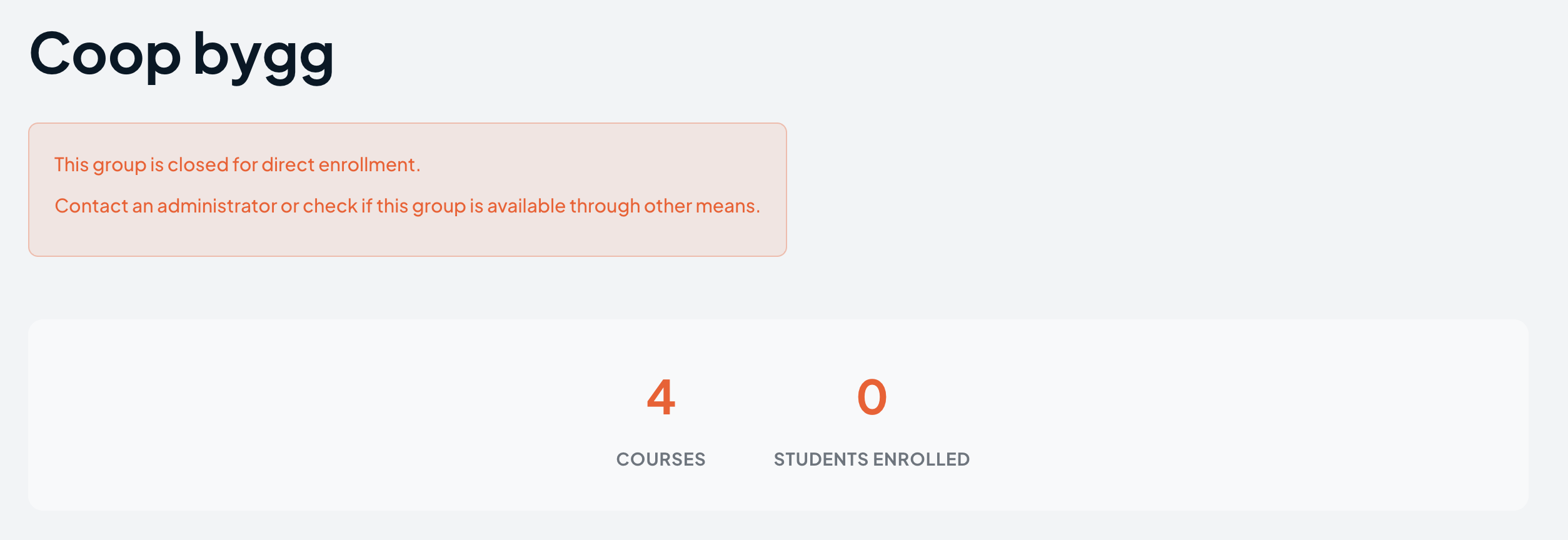
Closed groups do not allow self-enrollment. Only administrators can manually enroll users through the admin dashboard. This is ideal for instructor-led training or when you need to control exactly who has access.
Group vs Individual Course Access
Users can access courses in two ways:
- Direct Course Access - Purchasing or enrolling in individual courses
- Group Access - Enrolling in a group that contains the course
When a user has access through a group, they see this indicated on the course. If a user is unenrolled from a group, the system intelligently checks whether they have access through other means (another group or direct purchase) before removing their course access.
What's Next
- Creating Groups - Learn how to create your first group
- Group Settings - Configure seats, dates, and access types
- Managing Enrollments - Manually manage user enrollments